
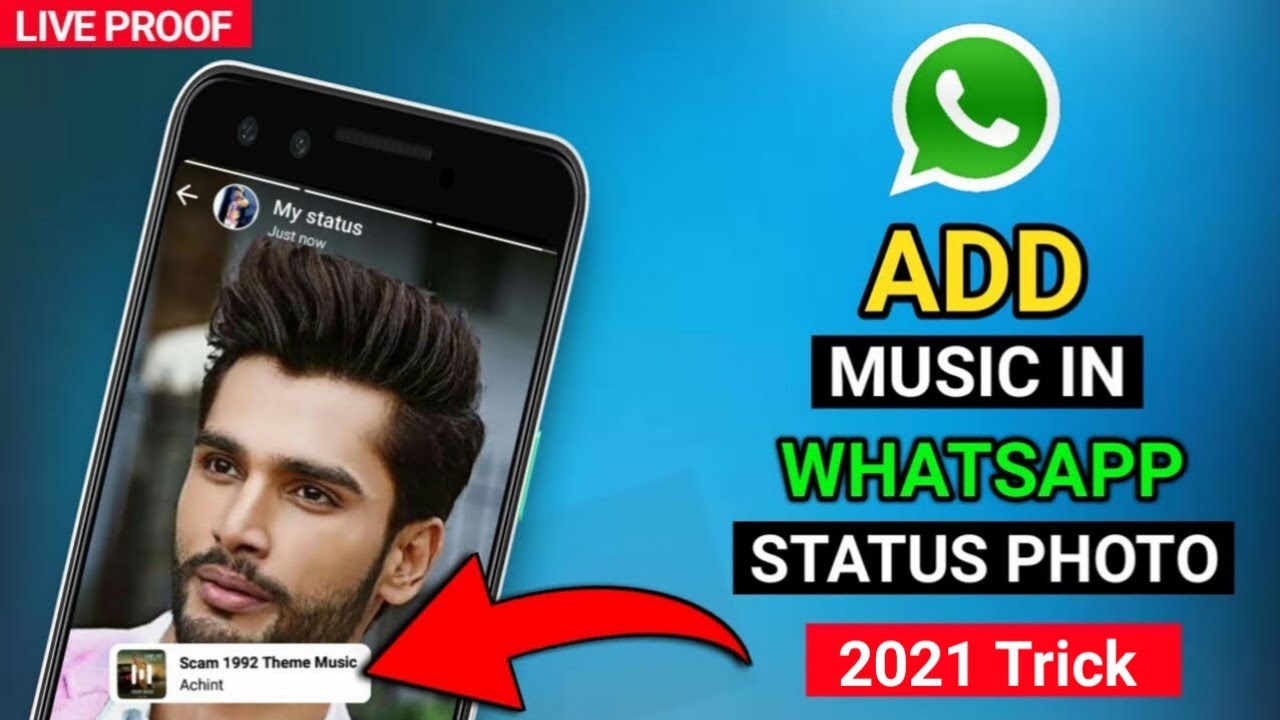
WhatsApp is a social media platform that allows you to share your daily life experiences with your contacts. One of the latest features introduced by WhatsApp is the “Status” feature. The Status feature on WhatsApp is similar to stories on other social media platforms such as Snapchat and Instagram. You can share photos, videos, and even text documents with your contacts. Adding music to your WhatsApp status can make the experience even better.
What is WhatsApp Status?
WhatsApp Status is an exclusive feature of WhatsApp that allows you to share your photos, videos, and text documents with your contacts. The posted content disappears after 24 hours just like on Snapchat and Instagram stories. You can view your friends' statuses and reply to them with emojis, comments or messages.
How to Add Music to Your WhatsApp Status
Adding music to your WhatsApp Status can make it more fun and interesting. Here is a step-by-step guide on how to add music to your WhatsApp status:
Step 1: Record a Video or Take a Picture
You can start to add music to your WhatsApp status by recording a video, taking a photo or using an existing media file in your phone’s camera roll. To do this, click on the camera icon on the WhatsApp Status tab or swipe left from the WhatsApp home screen and click on the “Status” tab.
Step 2: Click on the ‘Music Note’ Icon
After recording your video or taking a picture, click on the ‘Music Note’ icon at the top of the screen. You will find a list of songs displayed on your phone from which you can select the desired track.
Step 3: Choose the Desired Song
When you click on the ‘Music Note’ icon, you will be taken to a page where you can choose the desired song to add to your WhatsApp status. You can preview each song before selecting by playing them out loud. This allows you to select the best track for your status.
Step 4: Customize the Music
You can customize the music by choosing the exact part of the song you would like to add to your WhatsApp status. You can either choose the exact duration of the music bar or select the specific text in the song. This customization will allow you to add the perfect music to your status that will match the video or picture you recorded or selected.
Step 5: Post the Status
After you have chosen the desired song and customized it, click on the ‘Send’ button to post the status. The music will automatically play in the background of your status. You can also add captions or text to your status to make it more interesting and fun.
Conclusion
With the “Status” feature on WhatsApp, you can add music to your status effortlessly. This will make your status more fun and interesting to your contacts. Follow the simple steps highlighted above to add music to your WhatsApp status today.
