
Top up your Cell C airtime with ease by following these easy steps. Cell C is the third-largest network provider in South Africa and has been consistently expanding its network and services over the years. You can put Cell C airtime by using a variety of methods provided by Cell C itself.
Using Cell C Mobile App
The Cell C app is available on both iOS and Google Play Store. You can easily download and install it on your device. You must, however, be signed up for the Cell C network to use the app. Once you sign in to the app, follow these simple steps:
- Click on "Buy" that is located on the home screen
- Select "Airtime & bundles"
- Enter the amount you would like to recharge
- Click on "Confirm" to proceed to payment
- Select your preferred payment method and click "Pay"
Online Cell C website
You may also top up your airtime by visiting the Cell C website. Follow these steps:
- Go to cellc.co.za
- Click on "Login" and enter your Cell C number and password
- Once logged in, click on "Top-Up", select "Airtime" and enter the amount you want to purchase
- Select your preferred payment method
- Click on "Pay".
Using a Cell C prepaid voucher
If you have a Cell C airtime voucher, you can recharge your airtime balance by following these steps:
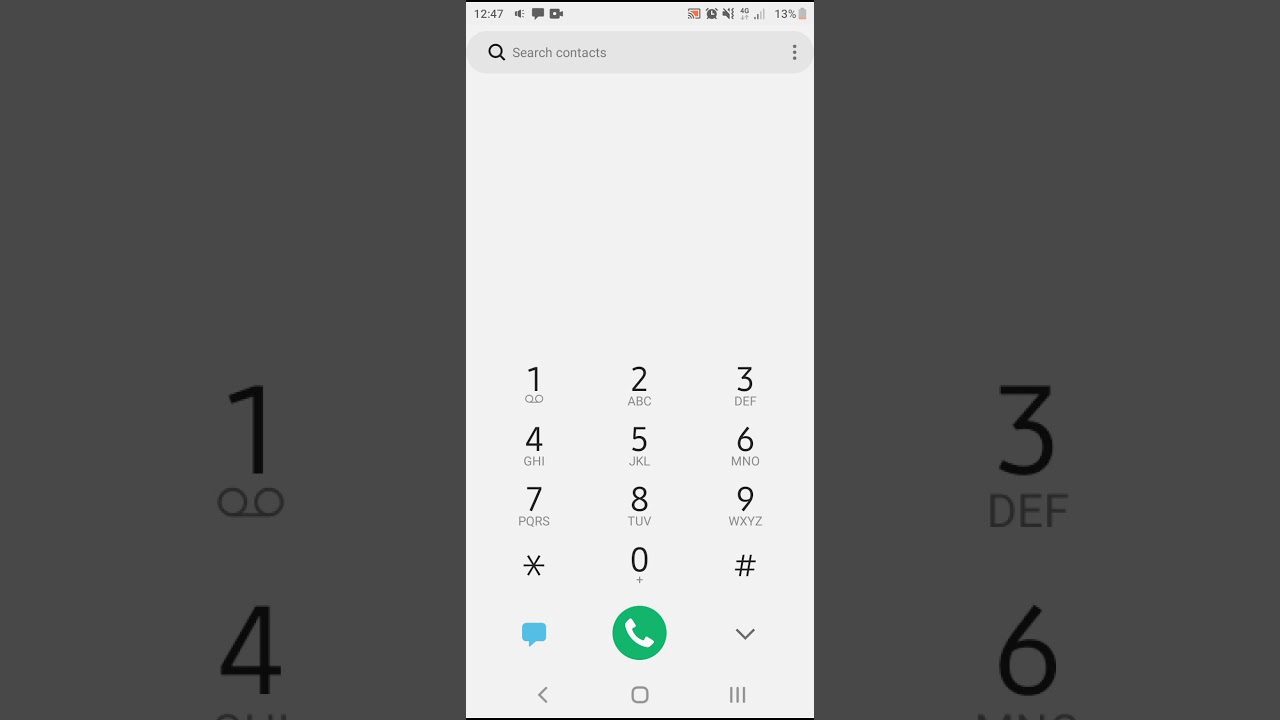
- Dial *102*pin number#
- Press the "call" button
Conclusion
Putting airtime on Cell C is an effortless process that can be performed through various methods. Choose a method that suits you best and enjoy the full benefits of being connected to Cell C's robust network and services.
