
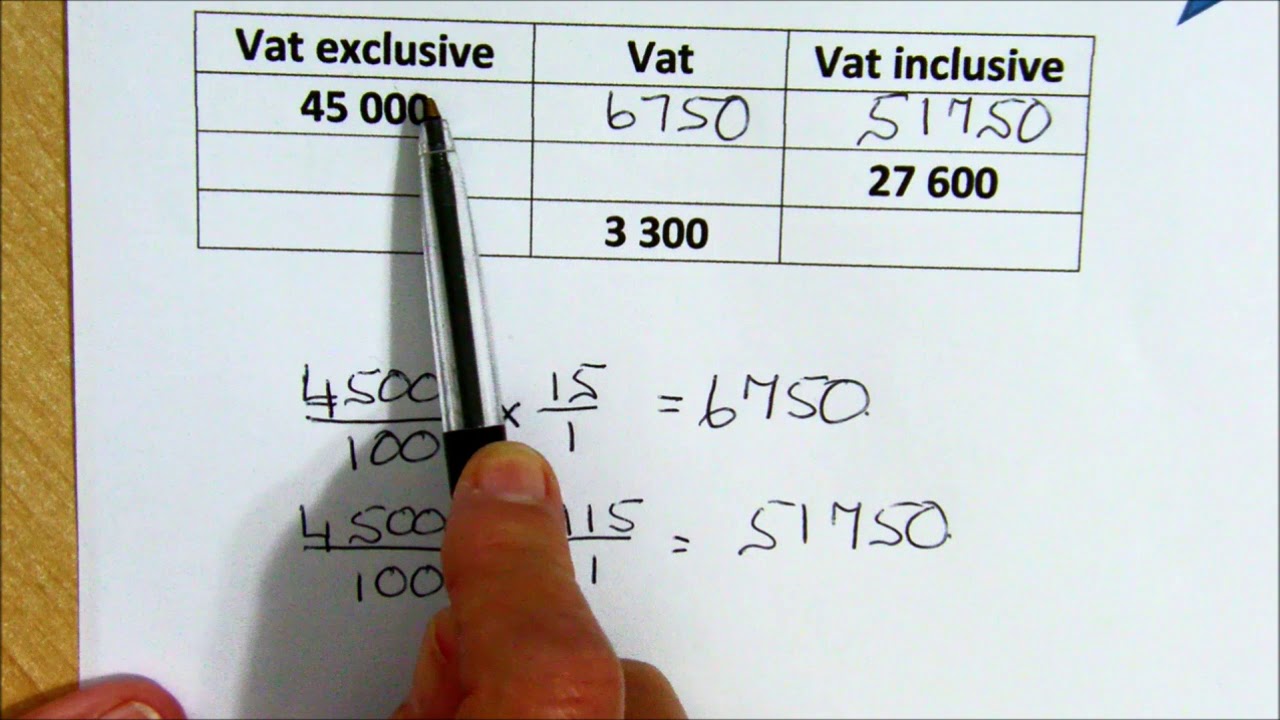
Welcome to this article on How To Add Vat To An Amount. As a business owner or an employee responsible for calculating VAT, it is essential to understand how to properly add VAT to an amount. In this article, we will take a closer look at what VAT is, why it's important for businesses, and the steps to take to calculate VAT.
What Is VAT?
VAT (Value-Added Tax) is a tax that is added to the price of goods and services in most countries around the world. It is a consumption tax collected on the value added to a product or service at every stage of its production or distribution.
Why Is VAT Important For Businesses?
VAT is a significant source of revenue for governments in many countries, and businesses are responsible for collecting and remitting VAT to the government. Failure to properly calculate and remit VAT can result in legal and financial consequences for businesses. Therefore, it is essential to understand how to add VAT to an amount accurately.
How To Add VAT To An Amount
The process of adding VAT to an amount is relatively straightforward. Here are the steps:
Step 1 - Determine The VAT Rate
The first step when calculating VAT is to find out the current VAT rate for your country or region. The VAT rate can vary depending on the type of goods or services being provided. For example, some goods may be taxed at a lower VAT rate than others.
Step 2 - Calculate The VAT Amount
Once you have determined the VAT rate, you can use it to calculate the VAT amount. To calculate the VAT amount, you need to multiply the pre-tax amount by the VAT rate. For example, if the VAT rate is 20%, and the pre-tax amount is 100, the VAT amount would be:
100 x 20% = 20
This means that the VAT amount is 20, and the total amount including VAT is 120.
Step 3 - Calculate The Total Amount Including VAT
To calculate the total amount, including VAT, you need to add the pre-tax amount and the VAT amount together. For example, using the same figures as above:
100 + 20 = 120
This means that the total amount, including VAT, is 120.
Conclusion
In conclusion, adding VAT to an amount is a relatively straightforward process that every business owner or employee responsible for calculating VAT should know. Remember always to determine the VAT rate, calculate the VAT amount, and add it to the pre-tax amount to get the total amount, including VAT. Failure to do so accurately can result in legal and financial consequences for businesses.
