
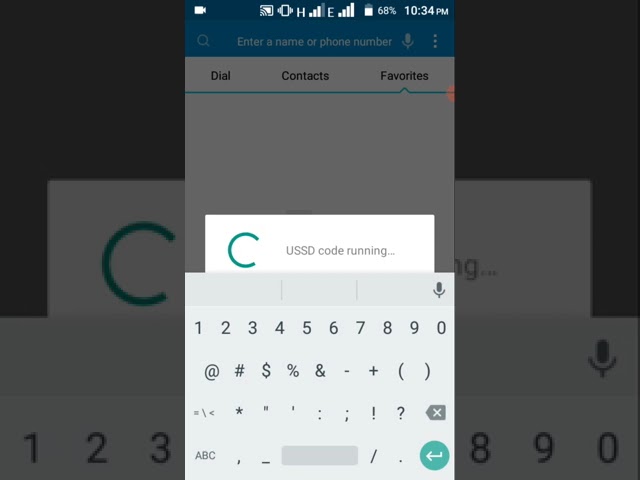
Welcome to my blog post on how to buy social data on MTN. Social media has become an integral part of our lives, and we rely heavily on social media networks to stay connected with our friends and family, as well as for business purposes. MTN has made it convenient for its customers to buy social data, allowing them to stay connected on the go. In this article, we will guide you on how to buy social data on MTN.
Step 1: Dial *131#
The first step to buying social data on MTN is to dial *131# on your mobile phone. This brings up the MTN menu, which lists various options for you to choose from.
Step 2: Select Option 2
After dialing *131#, select option 2 from the menu. This option will take you to the data menu, which contains all the available data bundles you can purchase.
On the data menu, you will see different types of data bundles you can purchase. Look for the social bundle options, and select the one that suits your needs. The social bundles are designed for use on social media networks such as WhatsApp, Facebook, Twitter, and Instagram.
Step 4: Select the Validity Period
Once you have selected your preferred social bundle, you will be prompted to choose the validity period. The validity period determines how long the bundle will be active. Options for the validity period may vary depending on which social bundle you select.
Step 5: Confirm Your Purchase
After selecting the validity period, you will be asked to confirm your purchase. Make sure you have enough airtime to buy the bundle. If you don't have enough airtime, you can recharge your phone before confirming your purchase.
Once your purchase is confirmed, you can start using your social bundle right away. The bundle is designed to work exclusively on social media networks. You can use it to keep in touch with your friends and family or conduct business activities on social media.
- Compare prices: Different social bundles have different prices. Compare prices to make sure you're getting the best value for your money.
- Choose the right bundle: Make sure you select a social bundle that fits your needs. If you need more data for social media activities, consider a bundle with a larger data allowance.
- Monitor your usage: Keep an eye on your social data usage to avoid running out before the expiry of the bundle.
- Check for promotions: MTN often offers promotions on social bundles. Look out for promotions to save money.
In conclusion, buying social data on MTN is a straightforward process. By following the steps outlined in this article, you can easily buy social data and stay connected on social media networks. Ensure to keep an eye on your usage to avoid running out of data before the expiry of the bundle.
