
In today’s digital age, we rely heavily on instant messaging applications to communicate with our friends, family, and colleagues. Amongst these applications, WhatsApp stands out as one of the most popular platforms with over 1.5 billion active users worldwide. However, using WhatsApp can consume a significant amount of data, and this may become a financial challenge, especially if you don’t have an unlimited data plan. This is where Vodacom comes in, allowing you to purchase a bundle specifically meant for WhatsApp usage. In this article, we will show you how to buy a WhatsApp bundle on Vodacom.
Step 1: Check Your Balance
Before buying a WhatsApp bundle on Vodacom, you need to ensure that you have enough funds in your account to purchase the bundle. To do this, you can check your balance by dialing the USSD code, *135#, and selecting the option for “balance”. Alternatively, you can also use the Vodacom app to check your balance.
Step 2: Dial the USSD Code
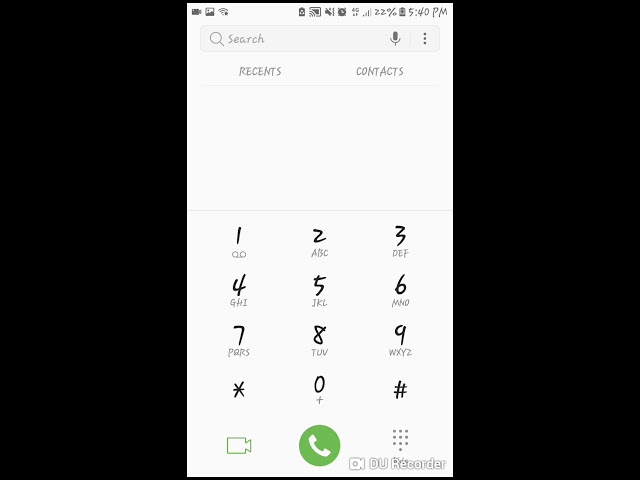
To purchase a WhatsApp bundle on Vodacom, you need to dial the USSD code *135#. Once you do this, you will be presented with various options. Select the option for “Bundle Purchases”, and then choose “WhatsApp Bundles” from the list of options presented.
Step 3: Choose Your Preferred WhatsApp Bundle
Vodacom offers different WhatsApp bundles tailored to suit different customers' needs. Choose the bundle that best fits your usage requirements and budget. For instance, you can purchase the Daily WhatsApp bundle for R1, which gives you 50MB worth of WhatsApp data to use for 24 hours. Alternatively, you can buy the monthly WhatsApp bundle for R10, which gives you 1GB worth of WhatsApp data to use for 30 days.
Step 4: Confirm Your Purchase
Once you have selected your preferred WhatsApp bundle, you need to confirm your purchase. After confirming your purchase, you will receive a notification confirming the bundle purchase, the amount charged, and the data allocated to you.
Note:
It's essential to note that WhatsApp bundles purchased on Vodacom are only valid for WhatsApp usage. Therefore, you won't be able to use the data for anything else besides WhatsApp, such as browsing or streaming. Ensure that you have sufficient regular data or other bundles to cater to your other data needs.
Conclusion
Buying a WhatsApp bundle on Vodacom is a straightforward process that takes only a few minutes. These bundles are affordable and tailored to meet the different data usage requirements of customers. By following the steps outlined above, you can purchase a WhatsApp bundle and enjoy seamless communication with your friends, family, and colleagues without worrying about data costs.
