
Welcome to our tutorial on How To Buy Whatsapp Data on Vodacom. When using WhatsApp, it can consume a lot of data. One way to quickly run out of data is to send and receive multimedia-rich content, such as audio messages, videos, and images. However, there is a solution - buying WhatsApp data bundles from Vodacom.
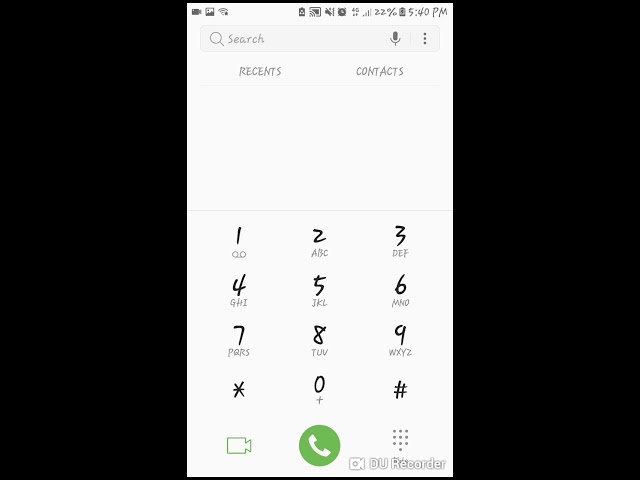
Step 1: Dial *111# on your phone
The first step to buying WhatsApp data is to dial *111# on your Vodacom number. This will open the Vodacom menu on your phone.
Step 2: Select 'Buy Bundles and Services'
After dialing *111#, select the 'Buy Bundles and Services' option from the menu. This will take you to a list of different types of bundles and services that Vodacom offers its customers.
Step 3: Select 'WhatsApp Bundles'
After selecting the 'Buy Bundles and Services' option, scroll down the list of different bundles and services available until you see the 'WhatsApp Bundles' option. Select that option to proceed to the next step.
Step 4: Select the data bundle you want to buy
After selecting the WhatsApp Bundles option, you will be presented with a list of different WhatsApp data bundles on offer. Select the data bundle that best suits your needs and budget. Vodacom offers a range of WhatsApp data bundles, including daily, weekly, and monthly bundles.
Step 5: Confirm your purchase
After selecting the data bundle you want to buy, you will be asked to confirm your purchase. Once you confirm the purchase, the WhatsApp data bundle will be added to your account, and you can start using WhatsApp without worrying about consuming too much data.
Why should you buy WhatsApp data bundles on Vodacom?
There are several reasons why you should consider buying WhatsApp data bundles on Vodacom:
- Save money: buying a WhatsApp data bundle is cheaper than using your regular data bundle to access WhatsApp
- Stay connected: with a WhatsApp data bundle, you can stay connected with friends and family on the app without worrying about data costs
- Convenience: buying a WhatsApp data bundle is quick and easy, and you can buy it from anywhere, at any time using your phone
Conclusion
WhatsApp is an essential app for many people, and with Vodacom's WhatsApp data bundles, you can stay connected without worrying about data costs. Follow the easy steps outlined in this tutorial to buy data on Vodacom and enjoy using WhatsApp without consuming too much of your regular data bundle.
