
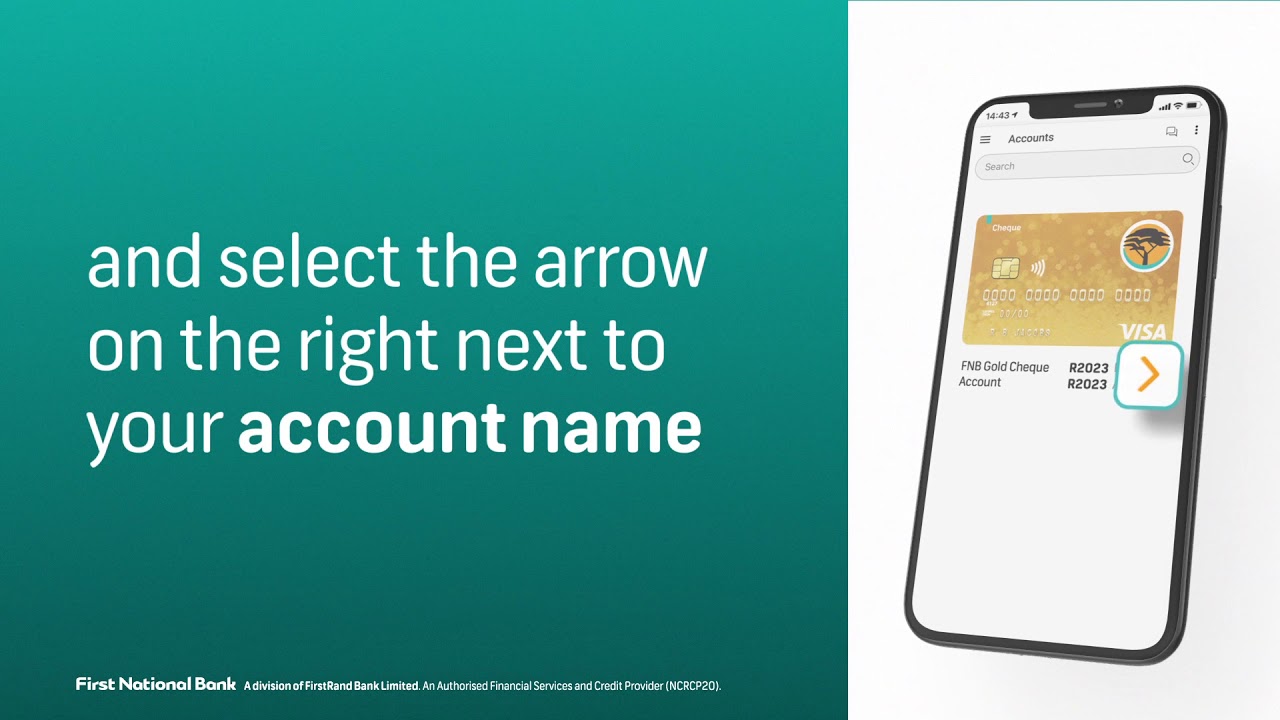
Welcome to our article on how to check debit orders on FNB app. Debit orders are a convenient way to pay for expenses such as insurance premiums, gym memberships, and magazine subscriptions, among other things. However, it's essential to keep track of these debit orders to ensure they're legitimate and you're not being overcharged.
Step One: Download and Install the FNB App
If you haven't already done so, the first step is to download and install the FNB app on your device from your app store. The app is available on both IOS and Android devices. Once installed, log in to your account using your FNB online banking login details.
Step Two: Select the "Transact" Option
Once you've logged in, select the "Transact" option from the menu to take you to the page with all transaction-related activities.
Option A: View Scheduled Payments
If you've set up a scheduled payment or debit order on the app, go to the "Scheduled" tab to view all your pending payments. If your debit order falls under this category, it should appear here.
Option B: View Transaction History
If you don't see your debit order under the "Scheduled" tab, it could be that the transaction has already occurred. To view previous transactions, select the "History" tab. Here, you'll find an overview of all transactions that have gone through your account, both debits, and credits.
Step Three: Verify Your Debit Order
Once you've located your debit order, verify the amount and the date it will be processed. You can also verify that it's from a legitimate source. If you notice any discrepancies, contact your bank immediately.
Conclusion
By following these simple steps, you'll be able to check debit orders on FNB App and ensure that your transactions are made accurately and from legitimate sources. Remember, it's essential to monitor your debit orders regularly to avoid any fraudulent activity or unnecessary charges.
