
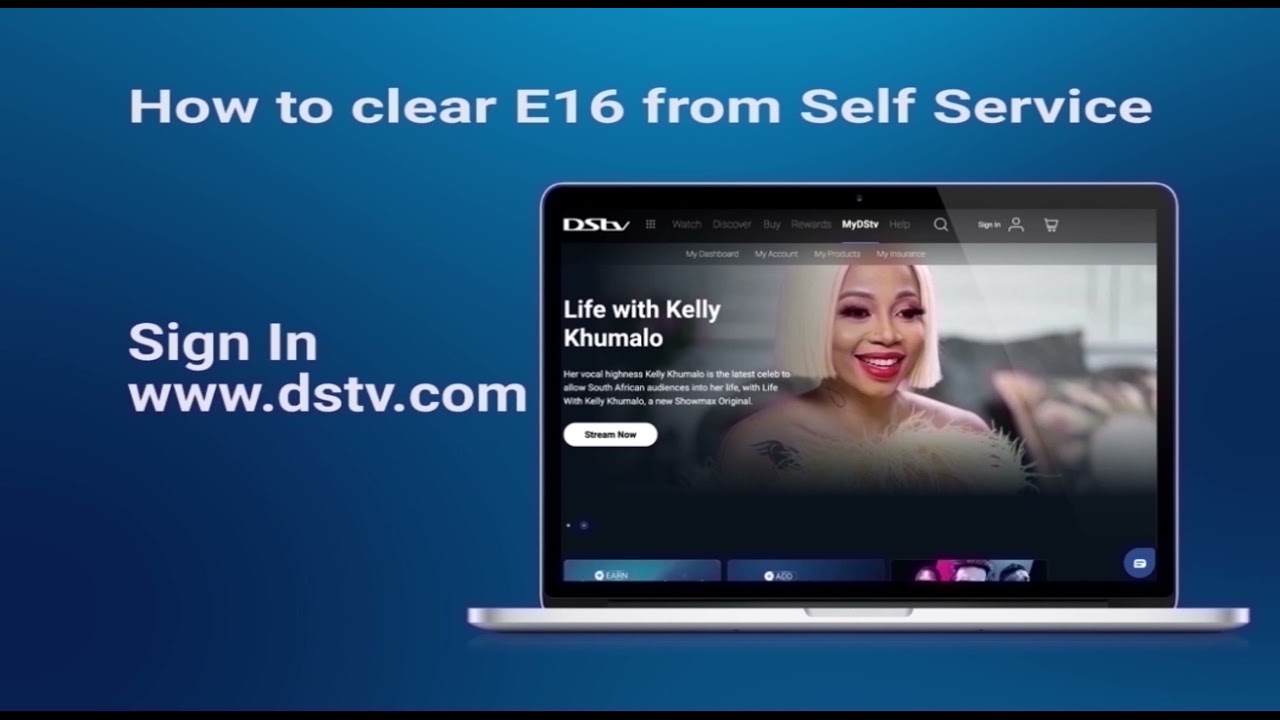
Are you tired of seeing error messages on your DStv decoder? Well, you're not alone. DStv errors are a common occurrence that can be frustrating to deal with, especially when you're in the middle of watching your favorite program.
Common DStv Error Codes and Their Meanings
Understanding the meaning of the error codes displayed on your DStv decoder is the first step in resolving the issues. Here are some of the most common error codes and their meanings:
Error E16-4
This error code appears when your smartcard has been removed or is not inserted correctly. To clear the error, make sure that your smartcard is inserted correctly and that it's clean. If the error persists, try resetting your decoder.
Error E18
This error code indicates that your decoder is not communicating with your smartcard. To clear the error, remove your smartcard and reinsert it. If the error persists, try restarting your decoder.
Error E48-32
This error code means that there is a signal problem with your decoder. To clear the error, check all your connections and make sure that your dish is aligned correctly. You can also try resetting your decoder.
Steps to Clear DStv Errors
Clearing errors on your DStv decoder can be a daunting task, but it doesn't have to be. Here are some simple steps to follow:
Step 1: Check Your Connections
Start by checking all the connections from the dish to your decoder, ensuring they are securely plugged in. Also, check that there are no damages on any of the cables.
Step 2: Reset Your Decoder
If checking your connections doesn't work, try resetting your decoder. To do this, switch off your decoder, unplug it from the power source, and leave it for 10 seconds before plugging it back in and restarting it.
Step 3: Clean Your Smartcard
If you're experiencing an E16-4 error, remove your smartcard and clean it with a soft cloth. Reinsert it back into the decoder and wait for a few minutes for the error to clear.
Step 4: Reach Out to Multichoice
If you've tried all the above steps and you're still experiencing issues with your DStv signal, you can reach out to Multichoice. They have a team of professionals that can help you to troubleshoot and fix the problem.
Tips For Avoiding Errors On Your DStv Decoder
Preventing errors on your DStv decoder is always better than solving them. Here are some tips to help you avoid errors:
- Regular Maintenance: Ensure that your dish is well-maintained and cleaned from time to time.
- Use Original Accessories: Always use genuine accessories such as cables and adapters that have been tested and approved by the manufacturer.
- Handle Your Smartcard with Care: Avoid bending, scratching, or exposing your smartcard to extreme temperatures or moisture.
By following these simple tips, you can prevent most of the common errors that occur on your DStv decoder.
Conclusion
DStv errors can be a nuisance, but the good news is that they're usually easy to resolve with the right approach. By following the steps outlined above, you can clear most of the errors that appear on your DStv decoder. Remember to follow the tips for avoiding errors for a smooth and uninterrupted viewing experience.
