
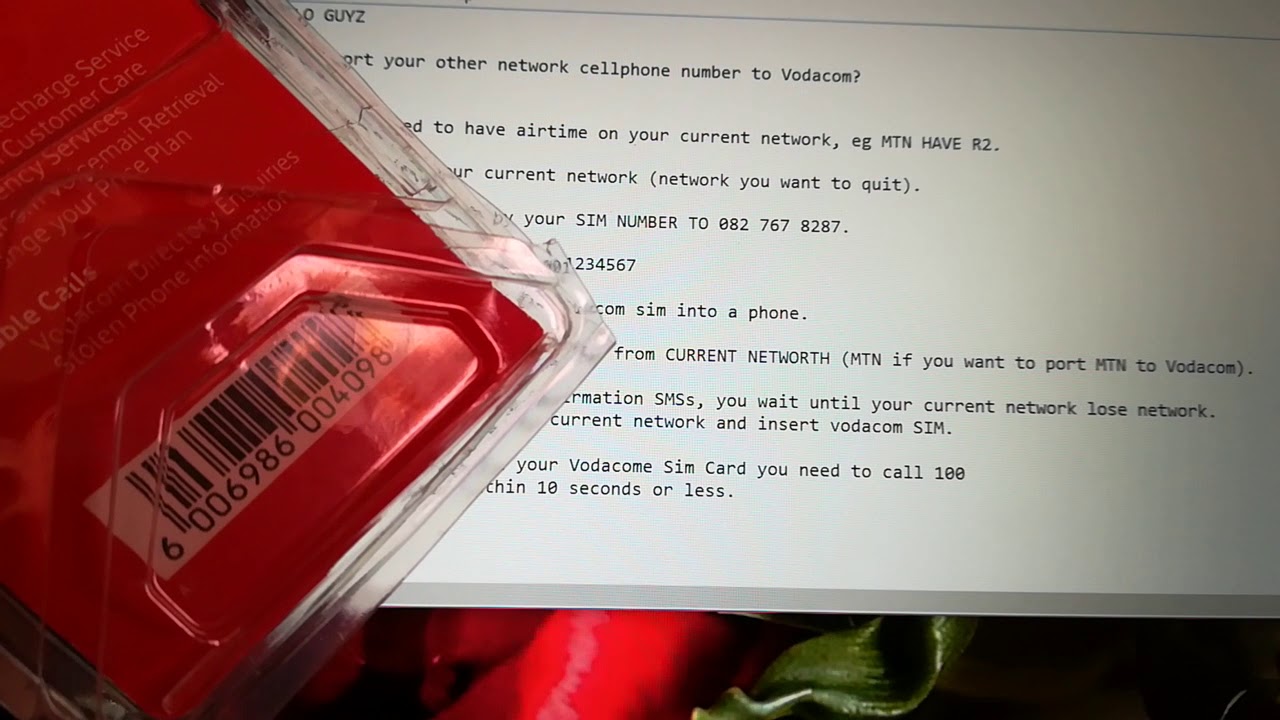
In this tutorial, we will be teaching you how to port from MTN to Vodacom online. Are you tired of experiencing poor network coverage whenever you visit certain places in South Africa? Or perhaps you're dissatisfied with MTN's customer service? Whatever the reason may be, it's essential to know how to port from MTN to Vodacom online. This guide will walk you through the process step by step so that you can switch to Vodacom with ease.
Porting Overview
Before we get started, let's break down what porting is all about. Porting is the process of changing your mobile network provider while retaining your current phone number. Thankfully, switching between carriers in South Africa is quite simple, and it can be done in just a few minutes.
Step 1: Get A New Vodacom SIM Card
To start the porting process, you will need to purchase a new Vodacom SIM card. You can find these at any Vodacom store, and they usually cost around R5. Remember to carry your ID as it will be required for RIC registration.
Step 2: Register Your RICA
Before you can use your new SIM card or activate porting, you need to register the RICA details of the new SIM card in your name. You can do this by visiting your nearest Vodacom store or by calling Vodacom's customer care using your MTN line. Vodacom will guide you through the registration process.
Step 3: Get Your MTN Porting Code
You will need to retrieve your MTN porting code before you can proceed with the porting process. Dial *135*767# on your MTN device to get your code. You will then receive an SMS that includes your porting code, which is valid for 15 days. Keep it safe as you will need it to activate the porting process.
Step 4: Activate Porting on your Vodacom SIM
To activate the porting process, insert your new Vodacom SIM card into your phone and dial 082 135. Follow the prompts and select the option to port your number. When asked to enter your porting code, enter the code you received from MTN in Step 3 above. Once you've provided all the needed details, Vodacom will initiate the porting process. Your number should be ported within 24 hours. Note that while porting, you should avoid any airtime transactions, such as buying bundles, recharging your credit, or initiating outgoing calls or SMS as it can delay the porting.
In Conclusion
Porting your number from MTN to Vodacom online can be done in just a few simple steps. Ensure that you have a new Vodacom SIM card, complete the RICA registration process, get your porting code from MTN, activate porting on your Vodacom SIM, and wait for the process to complete. Once it's all done, enjoy the improved Vodacom network with your old phone number.
