
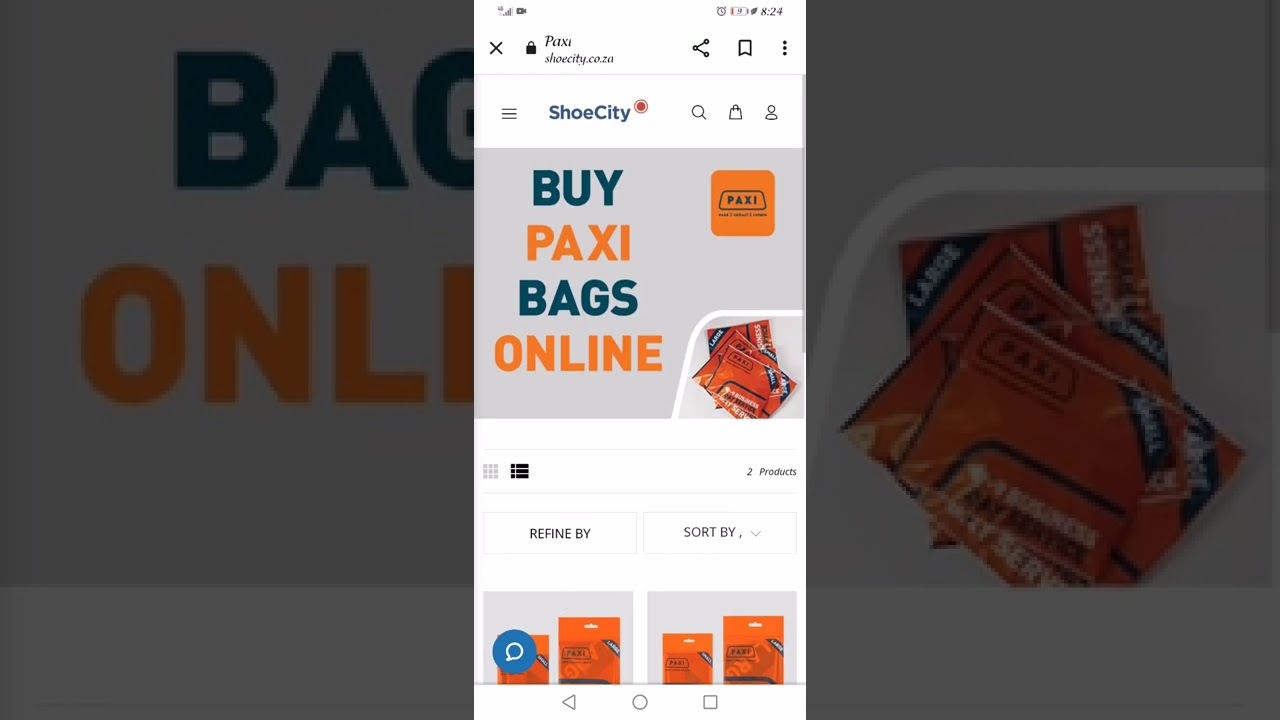
Welcome to our guide on how to send a parcel via Pep! Shipping parcels can be a hassle, but with Pep, the process is easy and reliable. Whether you're sending a package to a friend or a customer, Pep has got you covered.
Step 1: Find your nearest Pep store
The first step to sending a parcel with Pep is to locate your nearest Pep store. You can do this by visiting the Pep website and clicking on the "Store Locator" link at the top of the page. Simply enter your location and Pep will show you the nearest stores.
Step 2: Pack your parcel
Before you head to the Pep store, you'll need to pack your parcel. Make sure to use a sturdy box or envelope and secure it with tape. If you're sending fragile items, use plenty of packaging material to protect them.
Important tip:
Make sure to weigh your parcel before heading to Pep to ensure you know the correct shipping rate.
Step 3: Head to your nearest Pep store
With your parcel packed and ready to go, head to your nearest Pep store. You'll need to bring your parcel and your ID with you. When you arrive, go to the counter and let the staff member know that you'd like to send a parcel. They'll guide you through the process and let you know the shipping rates.
Step 4: Complete the necessary paperwork
At the Pep store, you'll need to fill out a waybill. This document includes your details, the recipient's details, and the weight and dimensions of your parcel. Double-check your details and ensure that everything is correct before handing it over to the staff member.
Step 5: Pay for your parcel
Once you've filled out the waybill, the staff member will let you know the shipping rate. You can pay for your parcel using cash or card, and they'll give you a receipt as proof of payment.
Step 6: Track your parcel
After you've sent your parcel with Pep, you can track it online. Simply visit the Pep website and enter your waybill number on the tracking page. You'll be able to see the status of your parcel and its estimated delivery date.
Important tip:
If you're sending a valuable or important item, consider using Pep's additional insurance options to protect your parcel.
Now that you know how to send a parcel via Pep, you can ship your packages with confidence. With Pep's reliable and affordable shipping services, sending parcels has never been easier.
