
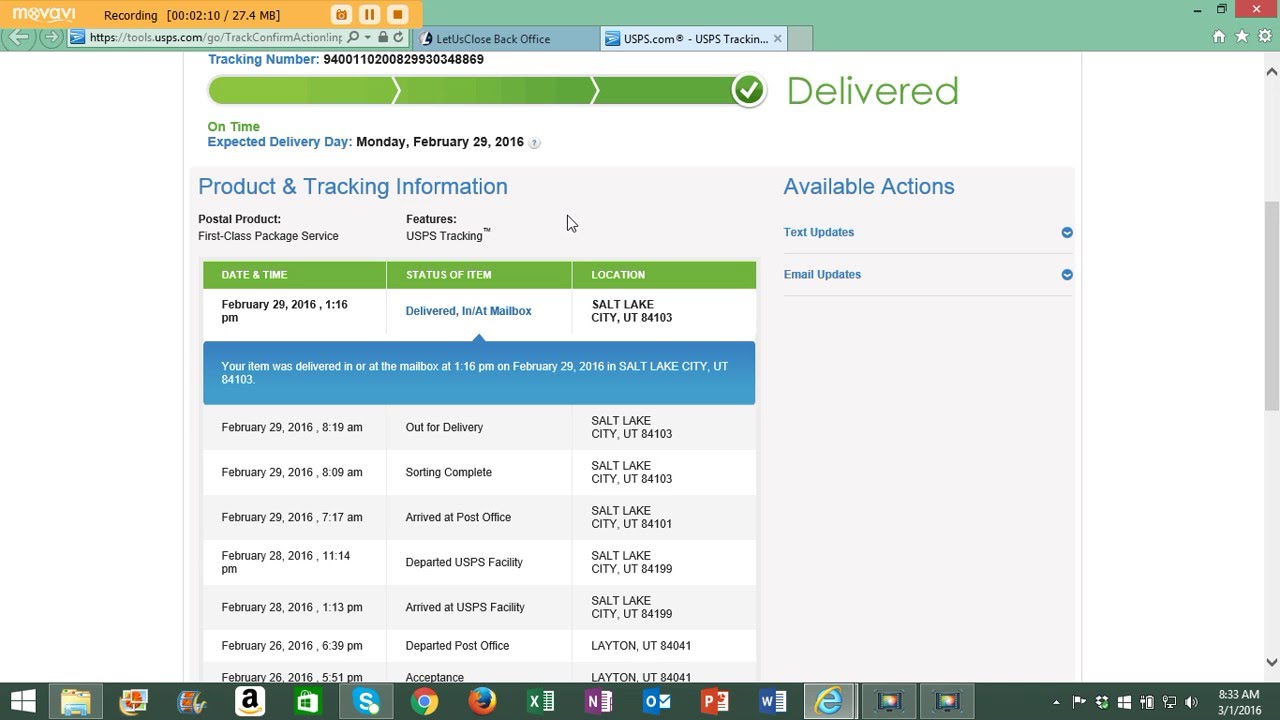
As a Vodacom customer, you may need to track your order to ensure you get your package on time. There can be different reasons why you want to track your order, including to see when it will arrive or to check its delivery status. While the tracking process might seem like a daunting task, it's actually quite straightforward when you know what steps to take.
Steps to Track Your Vodacom Order
To track your Vodacom order, follow these simple steps:
Step 1: Log in to Your Vodacom Account
To track your order, you need to log in to your Vodacom account. Visit the Vodacom login page and enter your login details.
Step 2: Click on My Orders
Once you successfully log in, select the option ‘My Orders’ under the Account tab. This section will display all your Vodacom orders, including their details and status.
Step 3: Check the Status of Your Order
Once you have accessed the ‘My Orders’ section, check the status of your order. If it shows that the order is still processing, it means that Vodacom has not yet shipped it. However, if the order status is ‘shipped’ or ‘out for delivery,’ you can track your order.
Step 4: Track Your Order
If your order status shows that it is out for delivery, you can click on the ‘Track Order’ button to see its current location. You can also see the expected delivery date and any delivery comments here.
Final Thoughts
At times, Vodacom may experience occasional delays in processing or delivery of orders, especially during peak demand seasons. However, by following the above four steps, you can easily track your Vodacom order and have peace of mind while waiting for its arrival.
