
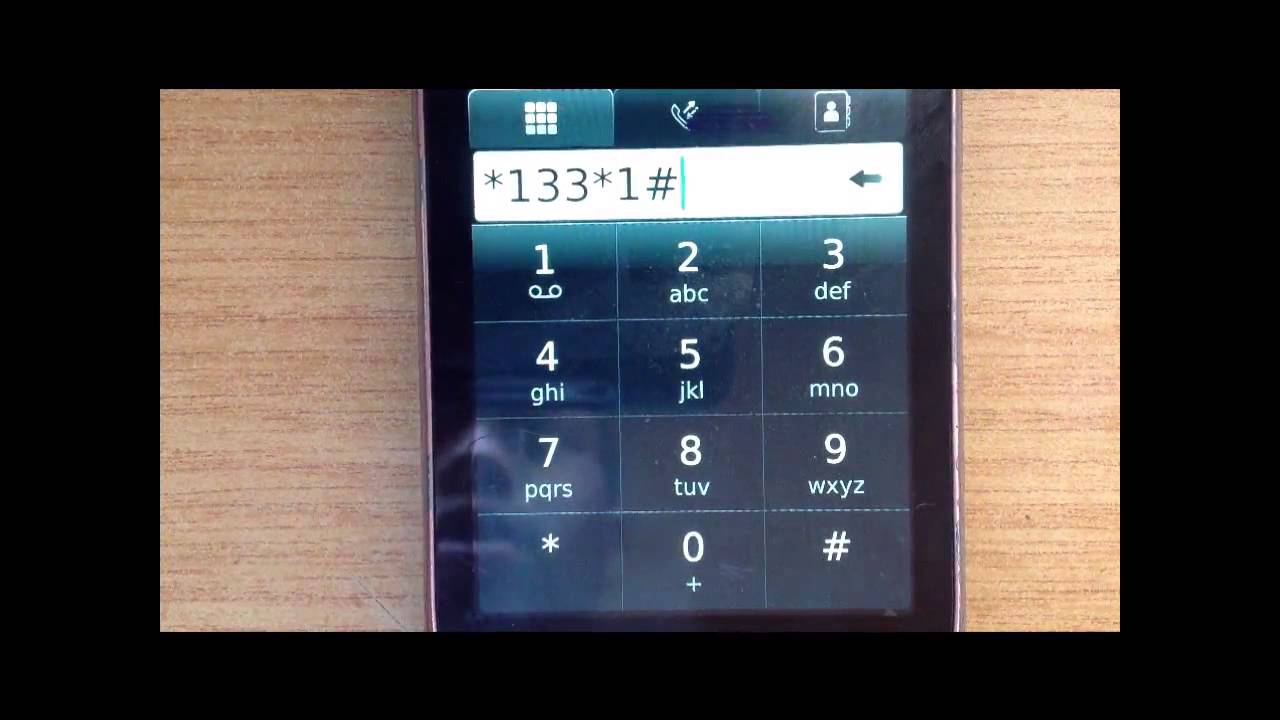
Unsubscribing from unwanted services is a common problem for cell phone users. Sometimes, subscriptions are added without consent, and they keep deducting airtime or data. It can be frustrating, especially when one wants to use their phone for other essential things. In this article, we will explore how to unsubscribe on Cell C and what steps one can take to avoid unnecessary deductions.
How to Check Active Cell C Subscriptions
Step 1: Dial *133*1# from your Cell C line.
Step 2: Reply with the number of the service you wish to check.
How to Unsubscribe on Cell C
Step 1: Dial *133*1# from your Cell C line.
Step 2: Reply with the number of the service you wish to unsubscribe from.
Step 3: Select the “Unsubscribe” option when prompted.
Step 4: Confirm your selection by replying with “Yes.”
Step 5: Wait for a message confirming that you have been unsubscribed from the service.
Step 6: You can also unsubscribe by sending the word “STOP” to the shortcode of the service you wish to unsubscribe from.
How to Cancel WASP Services on Cell C
WASP (Wireless Application Service Provider) services are third-party services that offer value-added services. Cancelling these services is easy:
Step 1: Dial *133*1# from your Cell C line.
Step 2: Select the “Content Services” option.
Step 3: Choose the service you want to cancel.
Step 4: Select the “Deactivate” option and confirm.
How to Avoid Unwanted Subscriptions
1. Be Vigilant: Always be alert when using your phone. Some websites and pop-up advertisements may automatically add subscriptions to your phone without your consent.
2. Check Your Phone Bills: Keep track of your phone bills every month. Check for any unfamiliar deductions and follow up with your service provider.
3. Read Terms and Conditions: Always read the terms and conditions of any service you subscribe to. Look out for subscriptions that automatically renew and cancel them immediately if not needed.
4. Use Anti-Fraud Apps: Install anti-fraud mobile applications that monitor your activity and alert you whenever there is suspicious activity.
Conclusion
Unsubscribing from unwanted services can save you money and prevent unnecessary deductions. Cell C provides an easy way to check and unsubscribe from active subscriptions. Follow the steps outlined in this article to unsubscribe from a service. Additionally, use the tips provided to avoid future unwanted subscriptions.
