
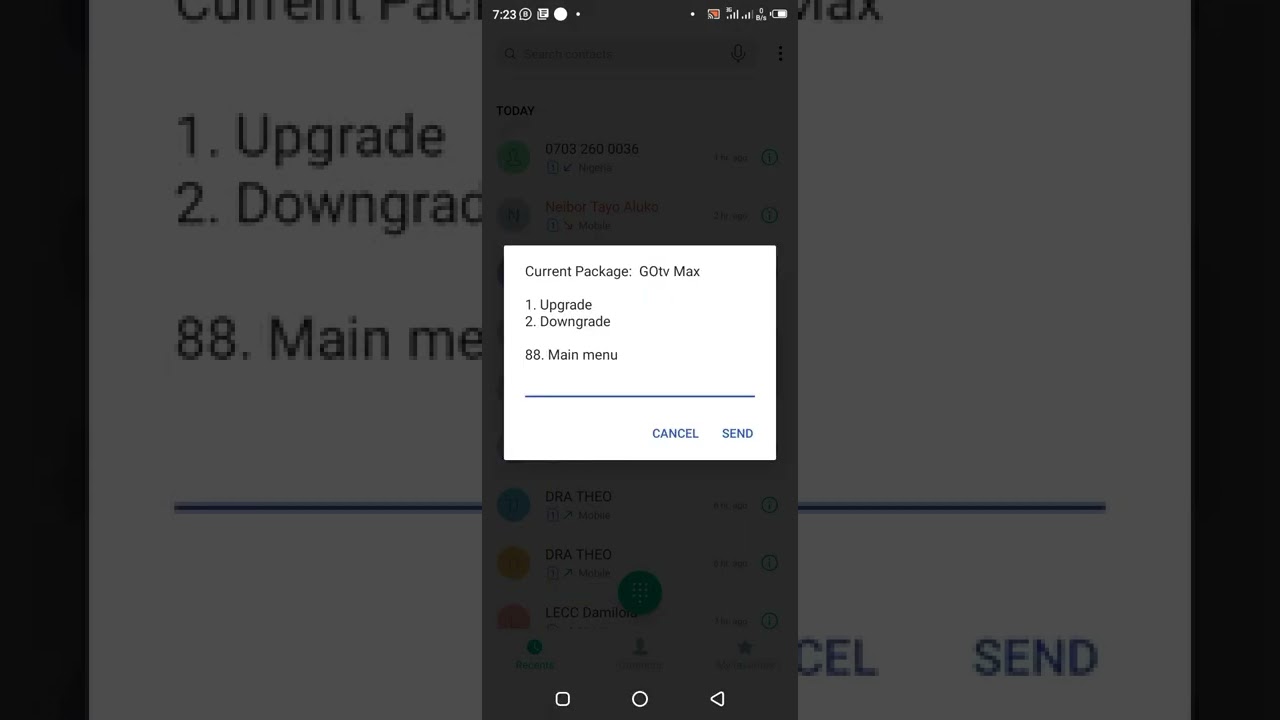
Are you looking to upgrade your DStv package? This guide will take you through the simple steps to follow to upgrade your package and get access to more channels and exciting content.
Step 1: Choose Your Preferred Package
Start by visiting the DStv website or contacting their customer service to review the available packages and choose the one that suits your entertainment needs. You can choose from packages such as DStv Premium, Compact Plus, Compact, Family or Access.
Step 2: Contact DStv Customer Care
Once you have decided on the package you want to upgrade to, you can either contact DStv customer care via phone or visit a Multichoice branch near you. Communicate to the customer care representative that you want to upgrade your package and provide them with the necessary details.
Things to Note:
- Ensure that your account is up to date and your subscription fee is paid.
- If you are switching from another service provider, ensure that your decoder is compatible with the DStv package you want to upgrade to.
Step 3: Payment
After the customer care representative confirms that your decoder is compatible with the desired package, you will be required to make the necessary payments. The payment options include online payments, mobile money, bank payments and payments at Multichoice branches.
Things to Note:
- The upgrade may take up to 24 hours to be activated on your decoder hence it is recommended to make your payments early enough to enjoy the upgraded package without interruption.
Step 4: Confirmation
Once the upgrade is complete, a confirmation message will be sent to your registered phone number or email address. You can now tune in to your upgraded package and start enjoying the new channels and exciting content.
Conclusion
Upgrading your DStv package is an easy process that can be done within a short time. Choose the package that suits your entertainment needs, contact DStv customer care, make the necessary payments and wait for activation. Enjoy your upgraded package and explore the exciting content that comes with it.
