
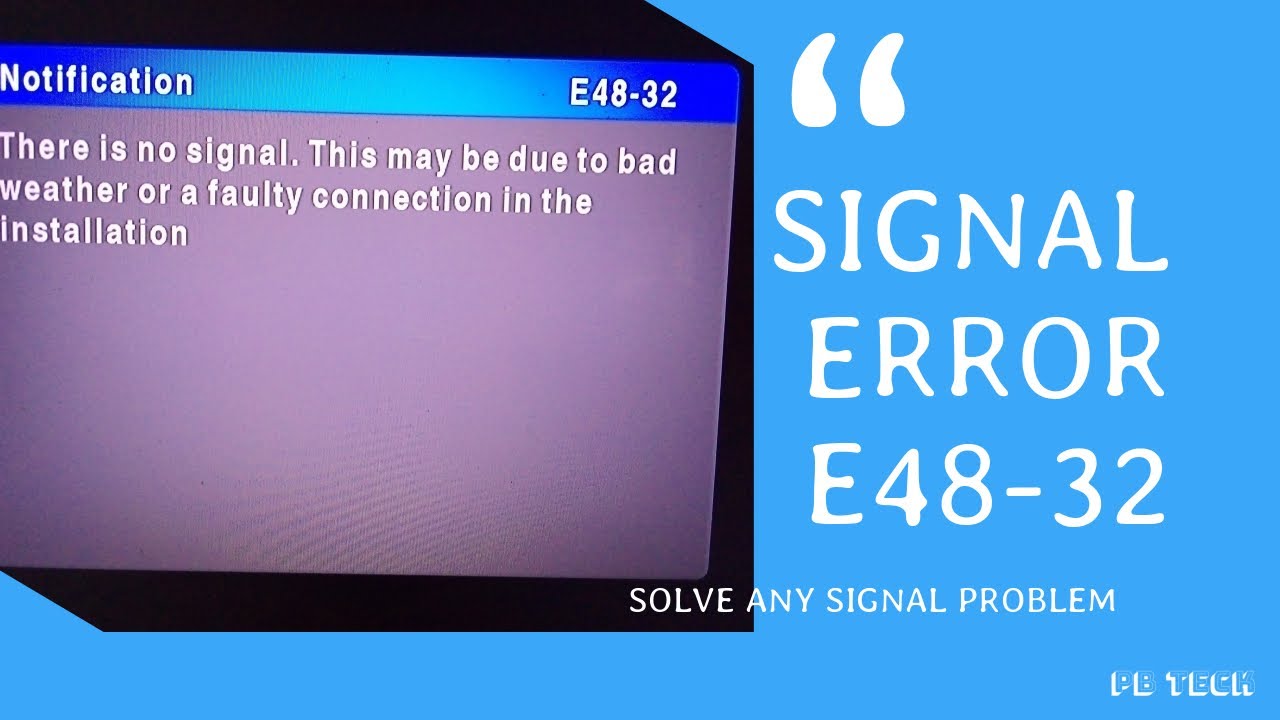
Welcome to our blog post on how to clear E48 32 error on DStv Explora. This error code indicates a signal reception issue that occurs when there is a poor connection between the dish and your DStv Explora decoder. With this guide, you will learn how to troubleshoot and fix this problem yourself without the need to call for technical support. Read on to find out more.
Check your signal strength and quality
The first thing to do when you experience the E48 32 error is to check your signal strength and quality. The signal strength should be above 60% and the signal quality above 80%. To check these settings, follow these steps:
- On your remote, press the "DStv" button.
- Select "Settings."
- Select "Satellite Settings."
- Select "Signal Strength and Quality."
If your signal strength and quality are below the required levels, adjust your dish alignment to improve the reception. You can do this by consulting the manual that came with your dish or contacting a professional installer.
Check your DStv Explora connections
If your signal strength and quality are okay, check your DStv Explora connections. Ensure that all cables are securely connected to their respective ports. Check the F-connector on the cable that connects the LNB to the DStv Explora decoder. This should be tight and sitting snugly on the connector port.
Check your LNB
If your connections seem fine, check your LNB (Low Noise Block) on your dish. The LNB is a small box that collects the signal from the dish and sends it to the decoder. It should be positioned properly and free from obstruction. Check for any damage or wear and tear on the LNB, and replace it if need be.
Reset your DStv Explora
If all the above checks don't work, try resetting your DStv Explora decoder. Here's how:
- Turn off the decoder using the power button on the remote control.
- Unplug the decoder from the power source and wait for about 10 seconds.
- Plug in the decoder and press the power button on the remote control to turn it back on.
After the reset process, allow the decoder to re-initialize and check for the signal.
Conclusion
The E48 32 error on DStv Explora can be frustrating, especially when you want to watch your favorite show. However, with the steps above, you can troubleshoot and fix the problem yourself. If all these steps don't work, you may want to consider contacting a professional installer to help you resolve the issue.
