
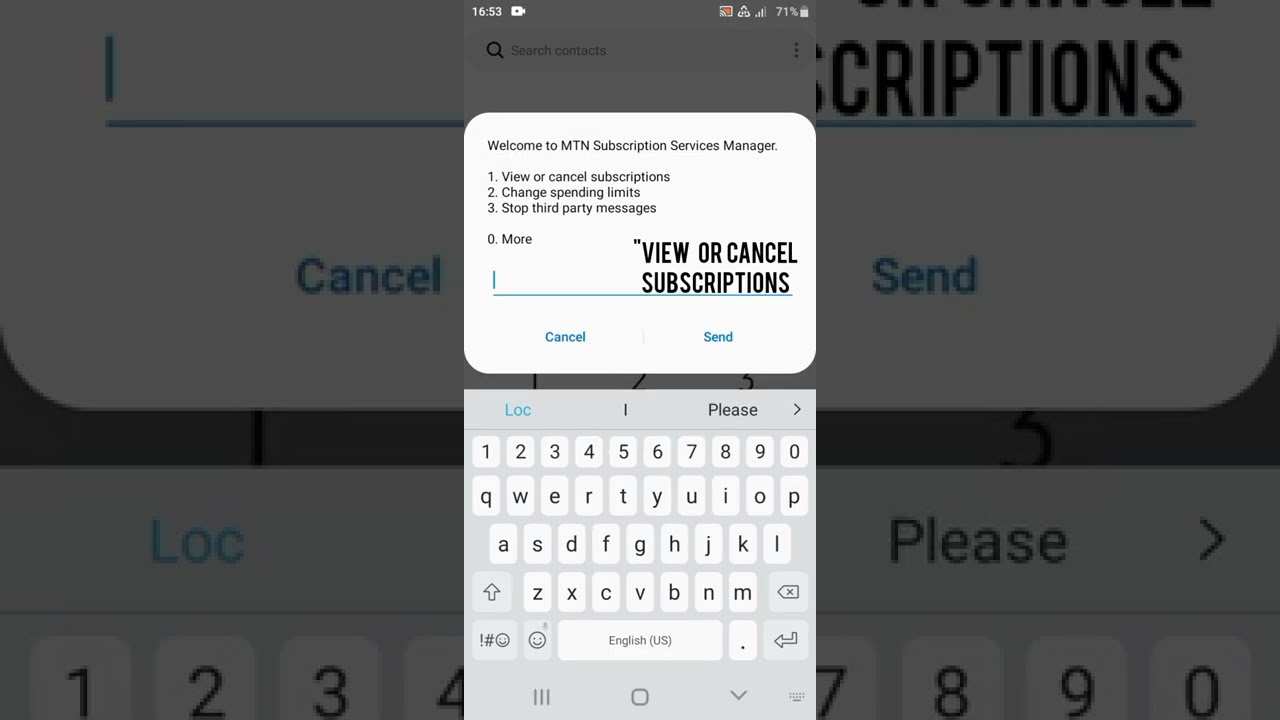
Welcome to my guide on how to deactivate MTN Caller Tune. MTN offers a fantastic service that enables you to give callers a different tune instead of the traditional ringing sound. However, some people might prefer not to have callers hearing a tune while calling them, and that's exactly what we'll be discussing today. Deactivating your MTN caller tune is a straightforward process that won't take much of your time. Below is a simple guide on how to go about it.
Step 1: Send a Text Message
The first step towards deactivating MTN caller tune is to send a text message. In this message, you'll need to include a specific keyword to ensure that the service provider knows what you want. The keyword to send for deactivation is "CANCEL7C." To send the text message, follow these steps:
- Open your messaging app
- Click on the "Create New Message" option
- Type "CANCEL7C" in the message body
- Send the message to "4100."
Note:
Ensure you have enough airtime on your phone before you attempt to send the text message. If you don't have enough credit on your phone, the message won't send.
Step 2: Confirmation Text
After sending the text message, you'll receive a confirmation text stating that your MTN caller tune has been deactivated. This text message usually takes a few minutes to arrive, but it could take up to 24 hours to receive. If you don't receive the confirmation text within 24 hours, you can call MTN customer care for assistance.
Note:
You might still receive another caller tune after deactivating the previous one. If that happens, repeat the same process to deactivate the new tune.
Conclusion
Now you know how to deactivate your MTN caller tune. The process is relatively straightforward, and you should be able to complete it within a few minutes. Remember always to ensure you have enough airtime before sending the text message. If you experience any challenges while deactivating, don't hesitate to call MTN customer care for assistance.
