
Welcome to our guide on how to check your airtime balance on Vodacom, the leading mobile telecommunications company in South Africa. As a Vodacom subscriber, it is important to stay on top of your airtime balance to avoid any interruption in communication or internet services. Fortunately, checking your balance is a simple process that can be completed using a variety of methods.
Method 1: USSD Code
The quickest and easiest way to check your Vodacom airtime balance is to dial *135# from your mobile device. Once you've dialed the code, a pop-up menu will appear on your screen with a variety of options. Select "Balance" or enter "1" to view your airtime balance. Your current balance will be displayed on your screen in just a few seconds.
Step-by-step guide:
- Dial *135# from your Vodacom phone
- Choose "Balance" from the menu or enter "1"
- Your airtime balance will be displayed on the screen
Method 2: Vodacom Mobile App
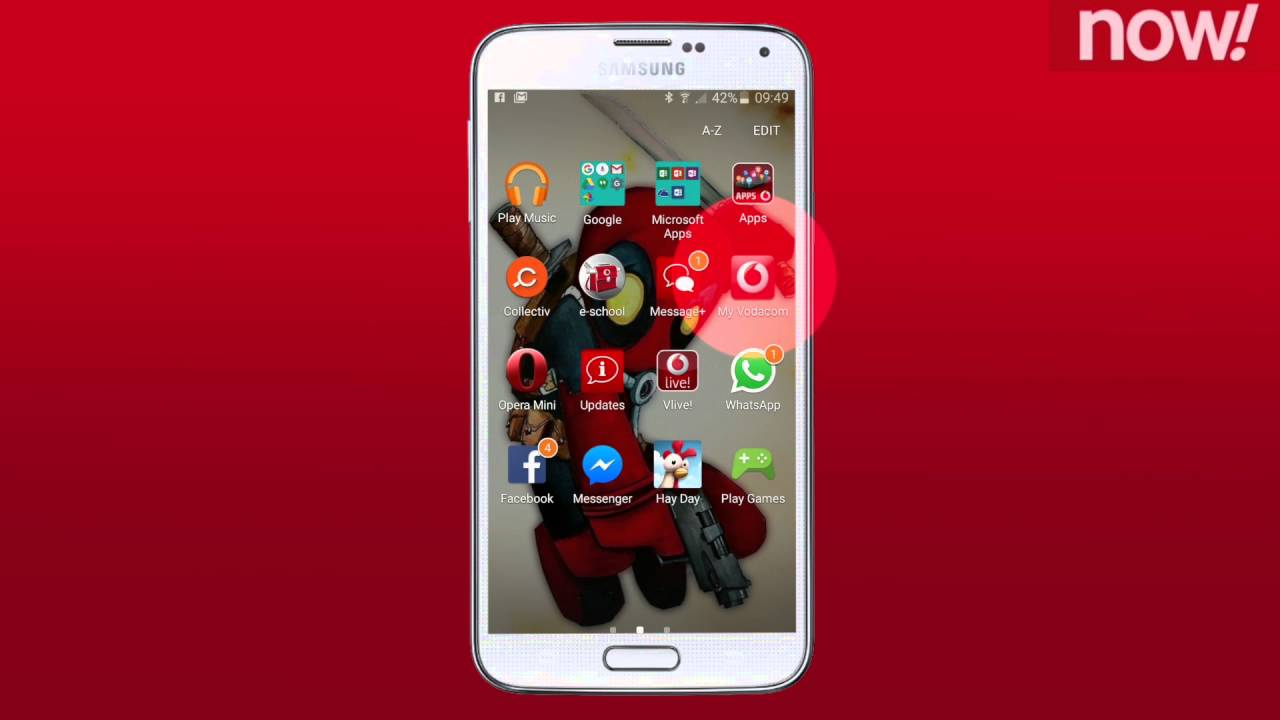
If you are a Vodacom customer and have not yet downloaded the Vodacom mobile app, it is highly recommended that you do so. The app is available for free download from the App Store or Google Play Store. The mobile app provides a variety of benefits, including the ability to monitor your airtime balance and usage data. Once you've downloaded and installed the app on your device, here is how you can check your airtime balance:
Step-by-step guide:
- Open the Vodacom mobile app on your device.
- Log in to your account using your mobile number and password.
- Click on the "My account" tab located at the bottom of the screen.
- Under "Balance," you will be able to see your remaining airtime balance.
Method 3: SMS
If you prefer to check your airtime balance using SMS, you can do so by sending an SMS to 100. In the body of the message, simply type "BAL" and send it to 100. Once your message has been sent, you will receive an SMS from Vodacom with your current airtime balance.
Step-by-step guide:
- Create a new SMS message
- Enter "BAL" in the body of the message
- Send the message to 100
- You will receive an SMS from Vodacom with your balance information
Conclusion
As you can see, there are various methods available for checking your airtime balance on Vodacom. Whether you prefer to use the USSD code, the Vodacom mobile app, or SMS, monitoring your airtime balance has never been easier. Checking your balance regularly will help you avoid any unexpected interruptions in communication or internet services. So, make sure you keep an eye on your airtime balance and take advantage of the methods available to you.
