
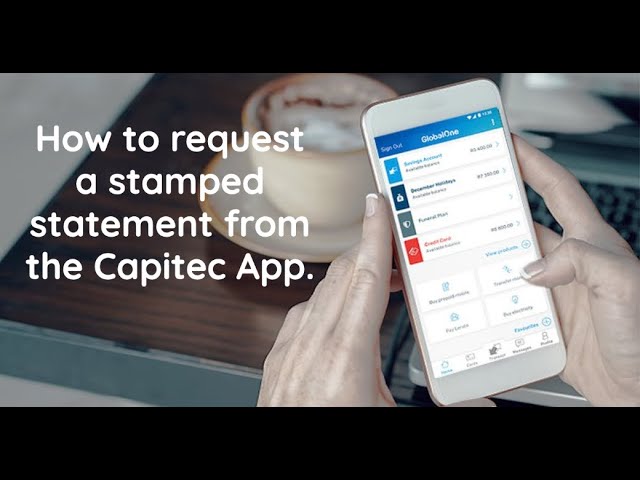
In today's era, online banking has made our lives a lot easier. All banking transactions can now be quickly completed with the help of a smartphone application. This means that you no longer need to stand in line at the bank or at an ATM to check your bank statements. Capitec Bank, one of the most popular South African banks has made it easy for their customers to access their bank statement through the Capitec App. In this article, we will discuss how you can check your statement on the Capitec App with ease.
Step-by-Step Guide to Check Statement on the Capitec App
Step 1: Download the Capitec App
The Capitec App is available for both iOS and Android devices. You can download the app for free in the App Store or Google Play Store. Once downloaded, install the application and ensure that it is updated to the latest version.
Step 2: Login to your Capitec App
Open the Capitec App and enter your login credentials. If this is your first time using the app, you will need to register and create a profile. Once you have logged in, you will be redirected to the home screen of the application.
Once you are logged in to the app, there are several options available on the home screen. Look for the "statements" section and click on it to redirect to the statements page.
Step 4: Choose Your Account
In the statements section, you will see all the accounts linked to your profile. Choose the account for which you want to view the statement.
Step 5: Select a Timeframe
After choosing your account, select the time frame for which you want to view the statement. You can view the statement for a specific week, month, or any custom range that you want to view.
Step 6: View and Download Statement
After completing all the above steps, you will be able to view the statement of the chosen account. You can also choose to download the statement by pressing the download button available on the screen. The statement will be downloaded in PDF format, which you can save for future reference.
Benefits of Using Capitec App for Checking Statements
The Capitec App has several benefits for its customers, some of which are:
- Easy Accessibility: Customers can access their statements from anywhere and at any time through the Capitec App.
- Safe and Secure: The app is safe and secure to use, and customers can be assured that their personal and financial data is kept secure.
- Convenience: The app eliminates the need to visit the bank or an ATM to view your statement, making the process of banking more convenient.
- Quick and Efficient: Checking your bank statement on the Capitec App is quick and efficient, saving you time and energy.
The Bottom Line
Checking your bank statements regularly can help you keep track of your finances and ensure that everything is in order. With the Capitec App, you can access your bank statement with ease, making the process of maintaining your finances effortless. Follow the step-by-step guide mentioned in this article, and you can check your bank statements on the Capitec App whenever you like.
