
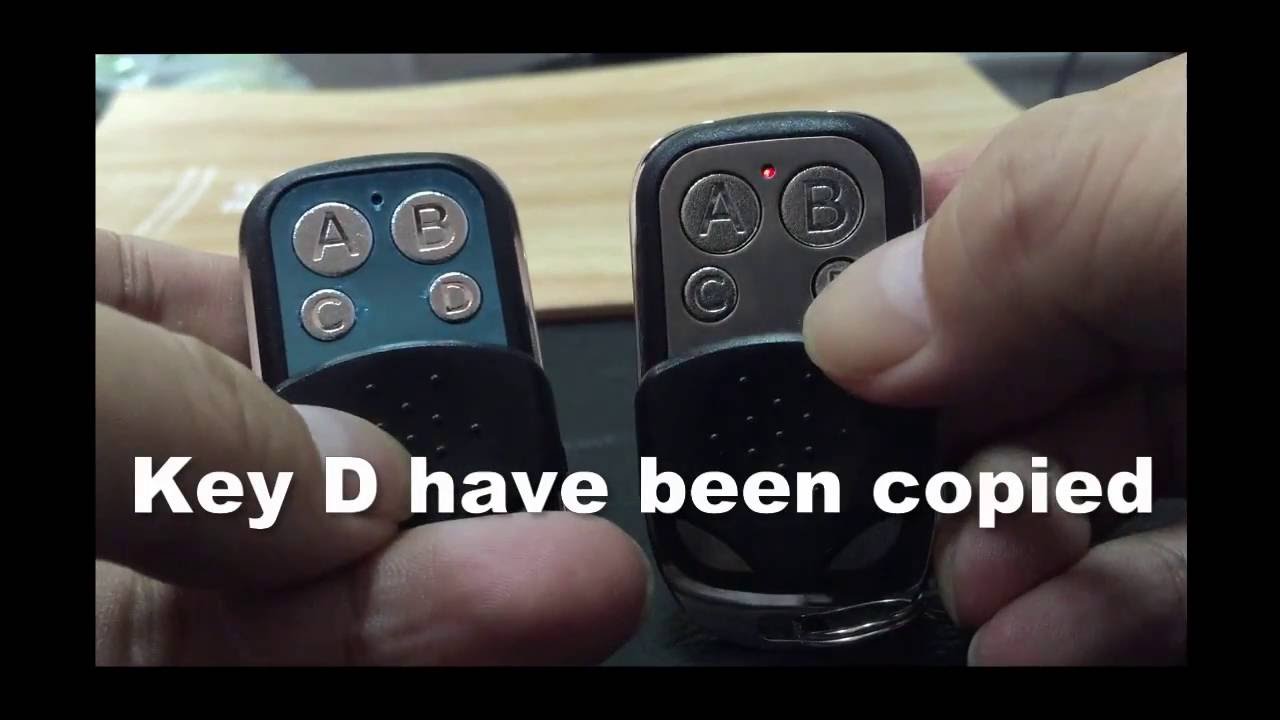
Welcome to our tutorial on how to clone an ET remote. ET remotes are commonly used in many homes and businesses for various purposes such as garage doors, alarms, and gates. Cloning your remote can come in handy if you lose your original remote or if you need an additional remote for a family member or employee. In this tutorial, we will guide you through the process of cloning your ET remote.
What is Cloning?
Cloning is the process of duplicating one remote's code onto another remote. In simpler terms, you're copying the signals of one remote so that another remote can mimic those signals. This means that you can have multiple remotes programmed to operate the same device, which can come in handy for various reasons.
What Do You Need to Clone an ET Remote?
Before we dive into the steps of cloning an ET remote, you need to make sure you have the necessary equipment. Here's what you'll need:
- An original ET remote
- A new remote that you want to clone the ET remote's code onto
- A cloning device. This is a small device that is used exclusively for cloning remotes. You can purchase one at an electronics store or online.
- Appropriate batteries for your original and new remote
Step-by-Step Guide to Cloning an ET Remote
Follow these steps to clone your ET remote:
Step 1: Determine Your ET Remote's Frequency
The first step is to determine the frequency of your ET remote. Look for a label on the remote or in the manual that indicates the frequency. The frequency could be 280MHz, 390MHz, or 433MHz.
Step 2: Insert Batteries in Cloning Device
Insert the appropriate batteries into the cloning device as described in the device's manual.
Step 3: Put Your Original ET Remote into Cloning Mode
To put your original ET remote into cloning mode, press and hold a button on the remote. Once the light on the remote blinks, release the button.
Step 4: Place Your Original ET Remote and New Remote into the Cloning Device
Place your original ET remote and new remote into the device's cloning slot. Make sure the two remotes are aligned correctly.
Step 5: Clone the ET Remote's Code
Press and hold the cloning button on the cloning device until the light on the device blinks rapidly. This indicates that the cloning process is complete. Test the new remote to make sure it is working correctly.
Conclusion
Cloning your ET remote can come in handy for many reasons. It allows you to have multiple remotes programmed to operate the same device, which can be helpful for family members, employees or for when you lose your original remote. By following the steps we've outlined, you can clone your ET remote with ease.
