
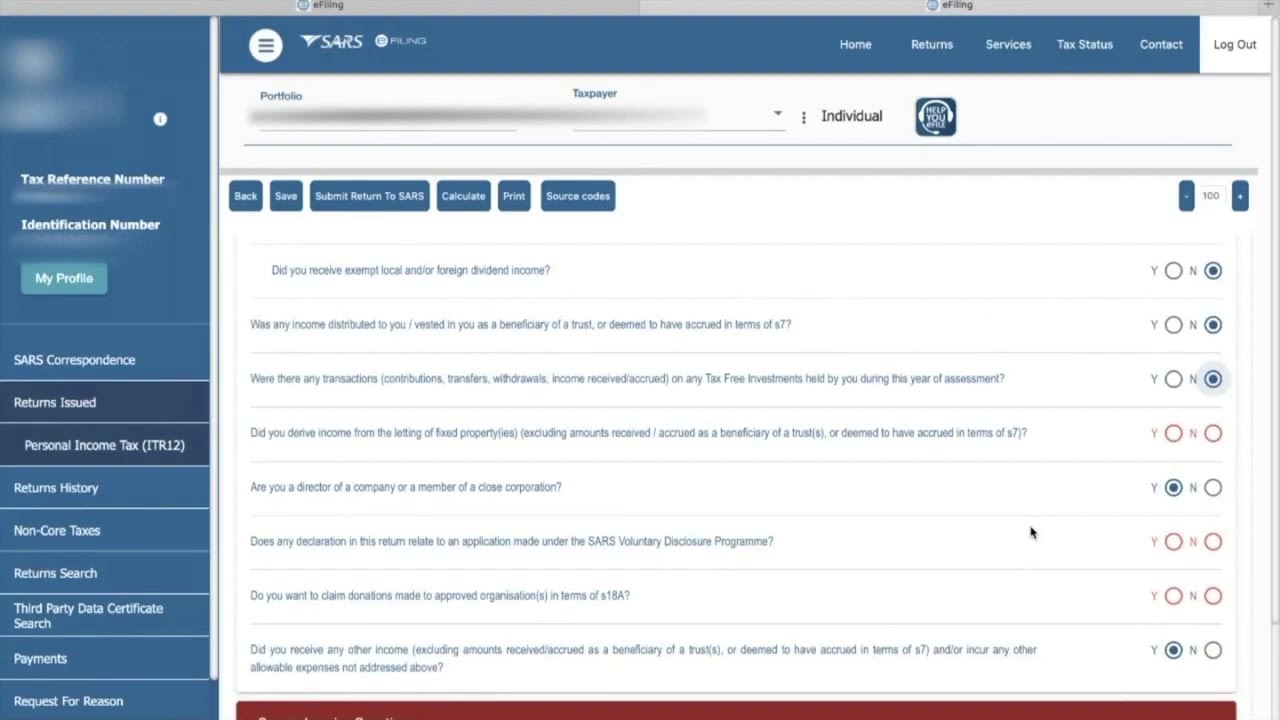
As a taxpayer in South Africa, getting your IRP5 form is important especially when submitting tax returns. The form contains detailed information about your tax details, including your income and tax deductions made. The easiest way to get your IRP5 form is through eFiling, which is the South African Revenue Service (SARS)’s online tax filing platform. Here is a guide on how to download your IRP5 form from eFiling:
Step 1: Login to SARS eFiling portal
The first step would be to go to the SARS eFiling portal. If you haven't registered yet with eFiling, now would be a good time to do so. Registration is simple and straightforward, just follow the instructions on the page. After you have registered, login to your account using your login credentials. You will need to verify your account by entering a one-time pin that will be sent to your registered email address or cellphone number.
Once you are logged in, navigate to the ‘Income Tax Work Page’. If you have more than one tax year returns to file, choose the relevant tax year. The ‘Income Tax Work Page’ is where you will find the different types of tax returns you can submit. The IRP5 form is found in the ‘Employment’ section.
Step 3: Select the ‘IRP5/IT3(a)’ option
Under the ‘Employment’ section, select the ‘IRP5/IT3(a)’ option. This will take you to a page that shows all IRP5 forms issued to you by your employer.
Step 4: Download the IRP5 form
Choose the IRP5 form you want to download and click on the ‘Download IRP5/IT3(a) form’ link. Your form will start downloading immediately. Alternatively, you can view or print the form by clicking on the ‘View/Print’ button.
Note:
If you have more than one employer for a particular tax year, you will need to repeat Steps 3 and 4 for each employer.
That’s it! You have successfully downloaded your IRP5 form from eFiling. You can now use this form to file your tax returns or keep it for your tax records.
