
As more and more people are relying on the internet to stay connected with the world, the demand for data continues to increase. Telkom, one of the leading telecommunication companies in Kenya, offers a variety of data plans to cater to the needs of its customers. In this article, we will guide you through the process of purchasing Telkom data
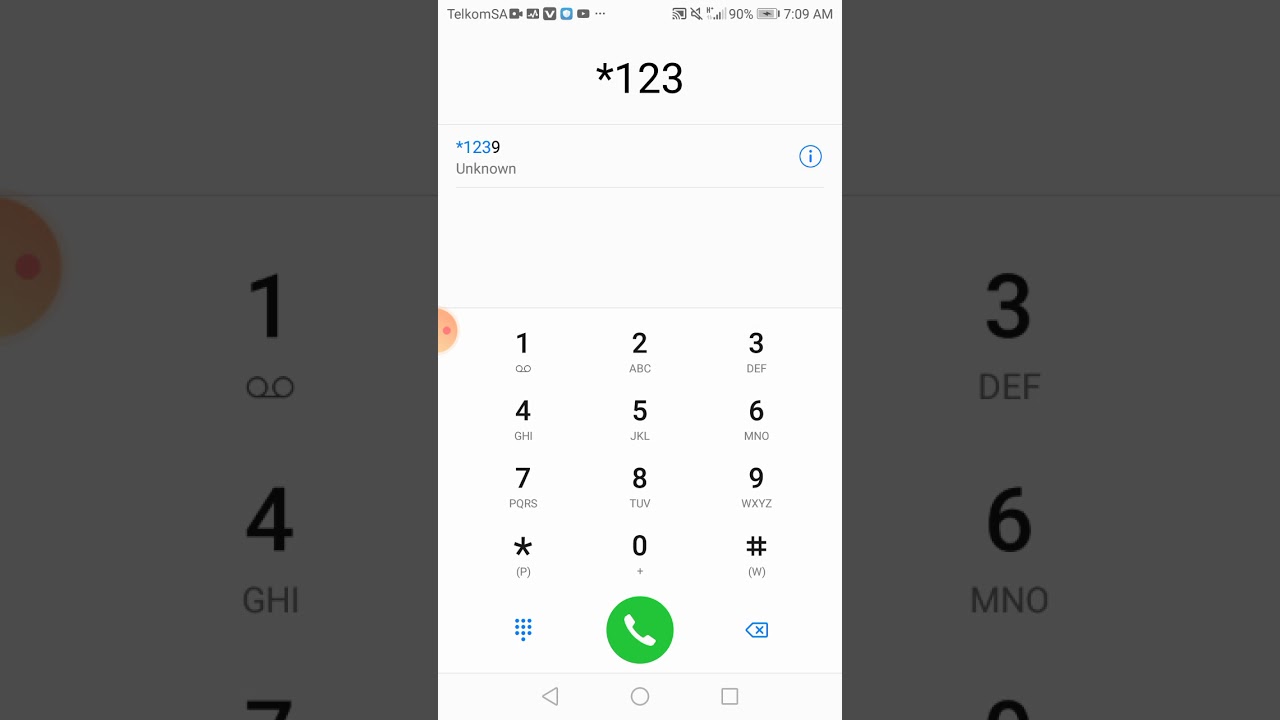
Step 1: Dial *544#
The first step to purchasing Telkom data is to dial *544# on your phone. This is Telkom's self-service portal, which offers a variety of services, including purchasing data bundles.
Step 2: Select Data Bundles
After dialing *544#, several options will be displayed on your phone's screen. Select option 1 for "Data Bundles".
Step 3: Choose Data Plan
Once you have selected "Data Bundles", you will be presented with a list of data plans to choose from. Telkom offers a range of data plans, from daily to monthly plans, to suit different needs and budgets. Select the plan that best suits your needs.
Step 4: Confirm Purchase
After choosing your preferred data plan, you will be asked to confirm the purchase. Make sure to double-check the details of the data plan before confirming to avoid any mistakes.
Step 5: Wait for Confirmation Message
Once the purchase is confirmed, you will receive a message from Telkom confirming the transaction. The message will contain details of the data plan you have purchased as well as the validity period.
Tips for Purchasing Telkom Data
- Compare different data plans: Telkom offers a variety of data plans with different data allowances and validity periods. It is important to compare these plans to find the one that best suits your needs.
- Check your data usage: Before purchasing data, it is wise to check your data usage to determine how much data you need. This will help you avoid purchasing data bundles that are too small or too large for your needs.
- Set up auto-renewal: If you frequently purchase the same data plan, consider setting up auto-renewal. This will ensure that your data plan is automatically renewed when it expires.
Conclusion
Purchasing Telkom data is a quick and easy process that can be done from the comfort of your phone. By following the steps outlined above and considering the tips provided, you can easily purchase a data plan that best suits your needs.
