
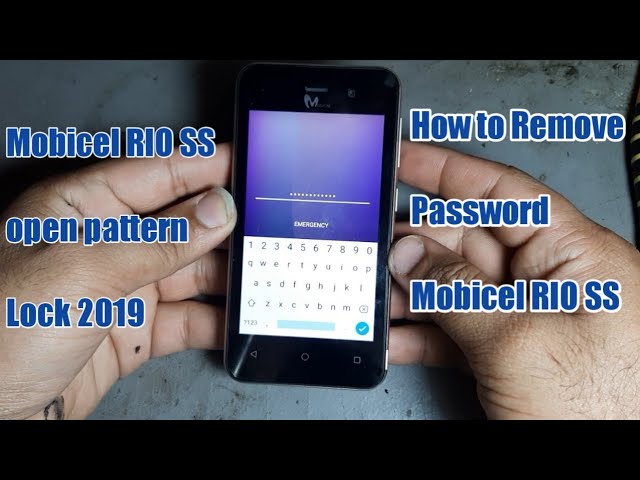
If you own a Mobicel phone and for some reason you are unable to remember your password, then resetting your phone is the only solution. Resetting your phone can also help you get rid of any software issues that your phone might be facing.
Backup Your Data
It is important to backup all of your data before you reset your phone. When you reset your phone, all of the data that is stored on it will be removed. To backup your data, connect your phone to a computer and transfer all of your files, photos, and contacts to your computer.
Reset Your Mobicel Phone
Follow the steps below to reset your Mobicel phone with a password:
Step 1: Turn Off Your Phone
The first step is to turn off your Mobicel phone.
Press and hold the Volume Up and Power button at the same time until the Mobicel logo appears on the screen.
Once you see the Mobicel logo, release the buttons.
Use the Volume Up and Volume Down buttons to navigate the Recovery Mode menu.
Step 5: Select Factory Reset
Select the Factory Reset option from the menu and press the Power button to select it.
Step 6: Confirm Your Selection
You will be asked to confirm if you want to reset your phone. Select Yes using the Volume buttons and press the Power button to confirm your selection.
Step 7: Wait for the Reset to Complete
Your Mobicel phone will now reset to its factory settings. This might take a few minutes, so be patient.
Conclusion
Resetting your Mobicel phone can help you get rid of any software issues that you might be facing. It is important to backup all of your data before you reset your phone as resetting your phone will delete all of the data stored on it. Follow the step-by-step guide above to reset your Mobicel phone with a password.
