
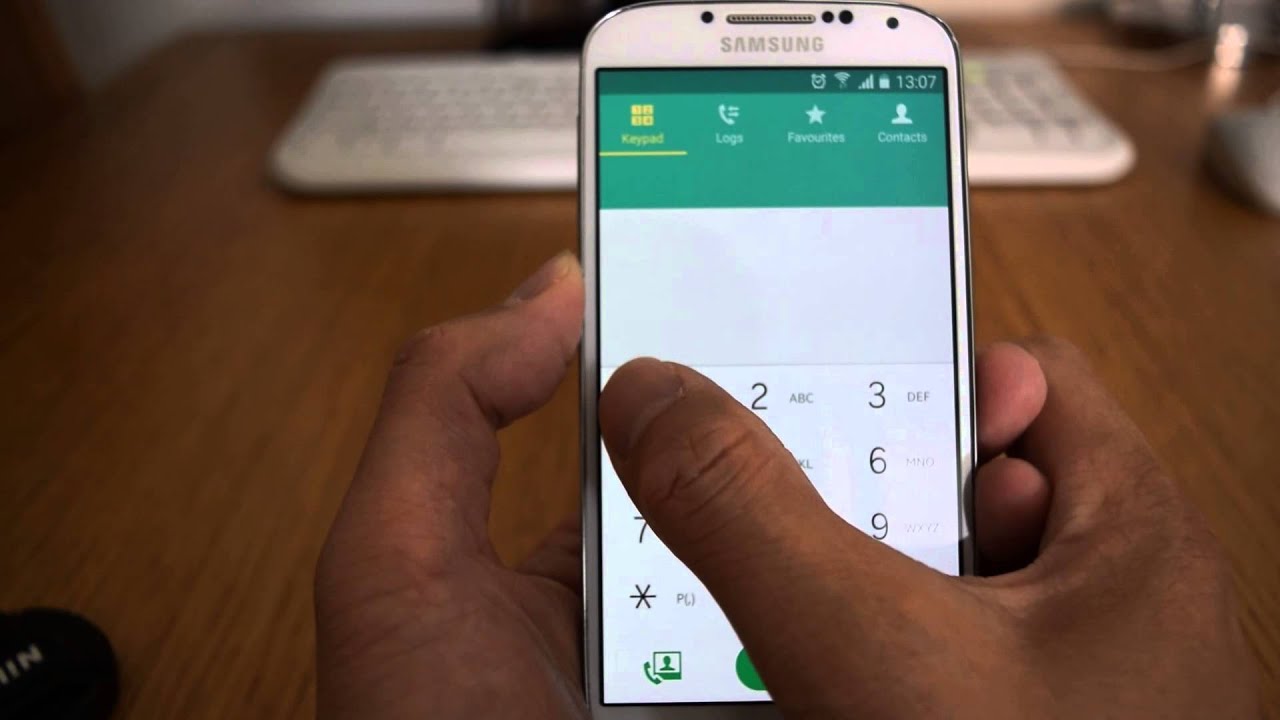
Voicemail setup is vital for Vodacom users to keep up with their messages without missing out. Setting up voicemail on your Vodacom number is simple, and in this article, we will guide you through the process.
Step 1: Dial 121
The first step is to dial 121 from your Vodacom number. This number will connect you to the Vodacom voicemail system. After dialing 121, wait for the system to answer your call.
Step 2: Personalize your greeting
Once you are connected to the voicemail system, you will be prompted to personalize your greeting. Following the instructions given by the system, record your greeting, and save it.
Step 3: Set up a PIN
The next step is to set up a PIN. The PIN ensures that only you can access your voicemail messages. If you are a first-time user, the system will prompt you to set up a PIN. Otherwise, you will be required to enter your current PIN and then set up a new one.
Note: Please keep your PIN secure and do not share it with anyone else.
Step 4: Record your name
The fourth step is to record your name, which becomes part of your voicemail greeting. Follow the instructions given by the system and record your name.
Step 5: Access your voicemail
After completing the setup process, you can access your voicemail by dialing 121 from your Vodacom number. Enter your PIN when prompted.
Voicemail shortcut
When calling from your Vodacom number, you can access your voicemail by pressing and holding down the number 1 on your phone dialer.
Tips for using Voicemail
To make the most of your voicemail service, here are a few tips:
- Set a personalized greeting that lets callers know they have reached the right number.
- Check your voicemail regularly – you can easily miss important messages if you do not check your voicemail often.
- Change your PIN occasionally for security purposes.
- Keep your voicemail box organized by deleting messages you no longer need.
Conclusion
Setting up voicemail on your Vodacom number is quick and easy. Follow the steps outlined above to personalize your greeting, set up a PIN, and record your name. Remember to check your voicemail often to stay on top of new messages.
