
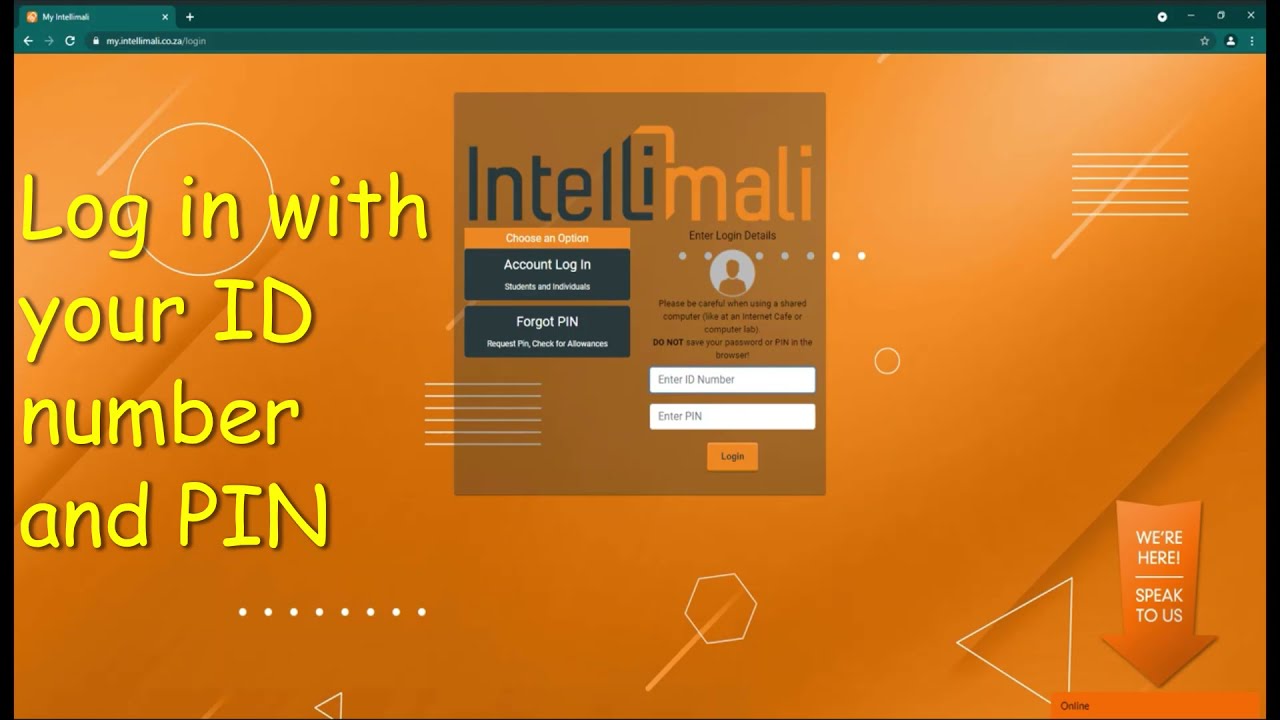
Intellimali is a financial platform widely used by South African students to receive their allowances, bursaries or other financial aid from their respective institutions. The platform allows students to access their funds through smart cards that can be used at various retailers as well as for online transactions.
Locked Intellimali Account
While Intellimali offers various benefits to students, sometimes, they face issues with their accounts, including account lockouts. An Intellimali account lockout can occur due to various reasons, including entering the wrong credentials multiple times or fraudulent activities.
If your account is locked, you won't be able to access your funds or receive payments, which can be frustrating, especially if you need the funds to pay for your studies, rent or other expenses.
Unlocking Your Intellimali Account
To unlock your Intellimali account, you need to follow these simple steps:
Step 1: Dial the Intellimali Customer Support Number
The first step to unlocking your account is to call the Intellimali customer support team on 011 551 9500 and follow the voice prompts to speak to a representative. Make sure you have your ID number and student number on hand as you will be required to provide them for verification purposes.
Step 2: Validate Your Personal Information
The Intellimali representative will ask you some security questions to verify your identity. Make sure you answer truthfully and accurately to avoid any unnecessary delays.
Step 3: Request an Account Unlock
Once your identity is confirmed, request to have your Intellimali account unlocked. The representative will then submit your request for approval, which can take up to 48 hours.
Step 4: Follow Up on Your Request
After the Intellimali team receives your request, you will receive a notification via SMS or email once your account has been unlocked. If you don't receive a response within 48 hours, follow up with the customer support team to ensure that your request was received and is being processed.
Preventing Future Account Lockouts
To prevent your Intellimali account from being locked, make sure you always remember your login credentials and avoid sharing them with anyone. Also, avoid making transactions on unsecured or unknown websites, as this can result in fraudulent activities on your account.
If you suspect that your account has been compromised, contact the Intellimali customer support team immediately to avoid any potential loss of your funds.
Conclusion
If you experience an Intellimali account lockout, don't panic. Instead, follow the above steps to unlock your account and prevent future lockouts. Remember to keep your login credentials safe and secure to avoid compromising your account and losing your funds.
