
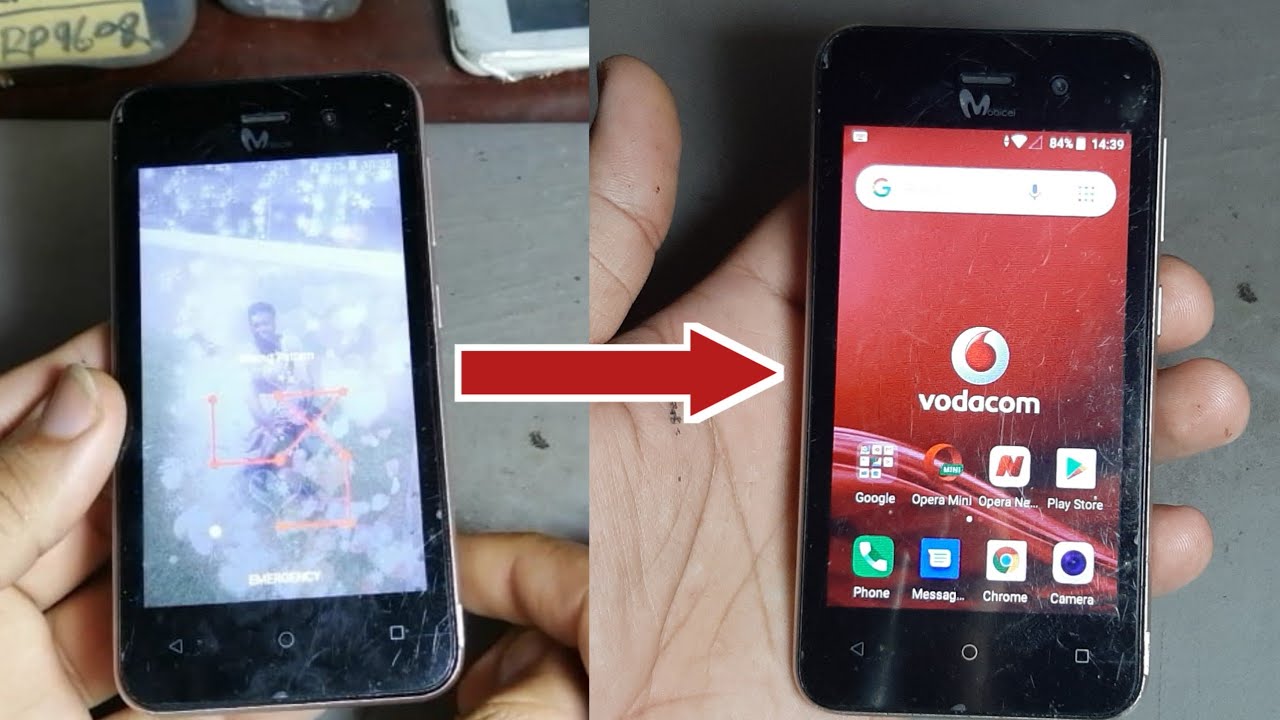
As technology advances, smartphones have become a necessity in people's daily lives for communication, work, and entertainment. One of the most popular affordable Android smartphones in South Africa is the Mobicel device.
Locked Out Of Your Mobicel Device?
Have you forgotten your Mobicel pattern lock and are now locked out of your device? Don't worry; this is a common problem faced by many smartphone users. The good news is that there are ways to unlock your Mobicel device without losing your data.
Method 1: Using Your Google Account
If you have previously set up a Google account on your Mobicel device, you can use it to unlock your device. Follow the steps below:
- Enter any pattern on your device five times incorrectly.
- You will see a notification saying, "Try again in 30 seconds."
- Tap on "Forgot Pattern?"
- Enter the Google account email and password associated with your device.
- Create a new pattern lock, and your device will be unlocked.
Note:
If you don't remember your Google account login details, you can reset your password on the Google recovery page.
Method 2: Using Your Mobicel Account
If you have set up a Mobicel account on your device, you can use it to unlock your device. Follow the steps below:
- Enter any pattern on your device five times incorrectly.
- You will see a notification saying, "Try again in 30 seconds."
- Tap on "Forgot Pattern?"
- Enter the Mobicel account email and password associated with your device.
- Create a new pattern lock, and your device will be unlocked.
Note:
If you have forgotten your Mobicel account login details, you can reset your password on the Mobicel website.
Method 3: Factory Reset
If you don't have a Google or Mobicel account set up on your device, you can use the factory reset option. However, this will erase all your data stored on the device, and it will be restored to its original settings. Follow the steps below:
- Switch off your Mobicel device.
- Press and hold the Power button and the Volume Up button simultaneously for a few seconds.
- Release the buttons when the Mobicel logo appears on the screen.
- Using the Volume buttons, navigate to "wipe data/factory reset" and select it with the Power button.
- Select "Yes" to confirm the action.
- Wait for the process to complete, and then reboot your device.
- Your device will be restored to its original settings, and you will need to set it up again.
Note:
If you have not backed up your data, you will lose all your saved files and settings.
In conclusion, forgetting your Mobicel pattern lock can be a frustrating experience. However, with the above-discussed methods, you can easily unlock your device without losing your valuable data. Always remember to back up your data regularly to avoid losing important files.
