
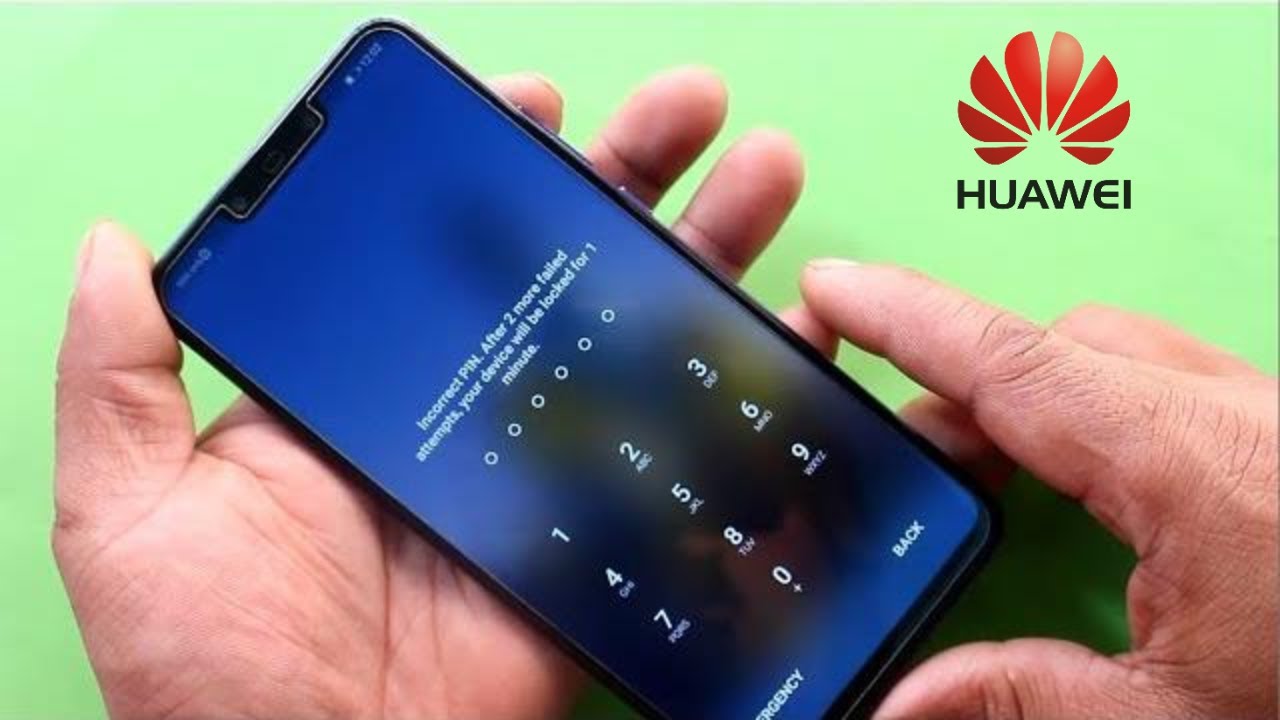
Welcome to today's tutorial on how to unlock a Huawei phone without a password. It can be quite frustrating when you forget the password pattern to your Huawei device. But, there is no need to worry, as we have you covered with solutions to this problem. Huawei phones are fantastic devices in terms of features, design, and overall user experience. However, forgetting the password to your device can be a significant issue, as it can lock you out of your device for a long time.
The Importance of Unlocking Your Huawei Device
Unlocking your Huawei device is essential when you forget your password. This process will allow you to recover your phone, reinstall your applications, retrieve your contacts, photos, and other vital data you had. Additionally, unlocking your device can make it possible for you to switch service providers or use the device outside the country you bought it from.
Methods to Unlock Huawei Phone Without Password
Several methods can be used to unlock a Huawei phone without a password. Some of these methods include:
Method 1: Google Account Verification
Step 1: Access your Huawei device and attempt to unlock it with the wrong pattern, password, or fingerprint.
Step 2: After several failed attempts, an option for "forgot password" will appear. Tap on that option.
Step 3: Use the Google account associated with the device to log in and reset the password.
Method 2: Factory Reset
Step 1: Turn off your Huawei device.
Step 2: While turned off, press the power and volume up buttons simultaneously.
Step 3: Release both buttons once the Huawei startup logo is displayed.
Step 4: Use the volume up and volume down buttons to navigate the menu and find the "wipe data/factory reset" option.
Step 5: Once you have found the option, select it by pressing the power button.
Step 6: The device will prompt you to confirm the action. Select "yes" and press the power button to initiate the process.
Step 7: Once the process is complete, the device will restart, and you will be able to set it up as new.
Conclusion
There you have it- two effective methods to unlock a Huawei phone without a password. Always ensure you have a backup of important files to avoid losing them during the process. As a rule of thumb, it is essential to remember your password pattern to minimize the risk of getting locked out of your device. Use Google account verification if you aim for recovering your password, and use factory reset if the first option is not viable. Follow the steps in this tutorial to help you unlock your device without any hassle.
