
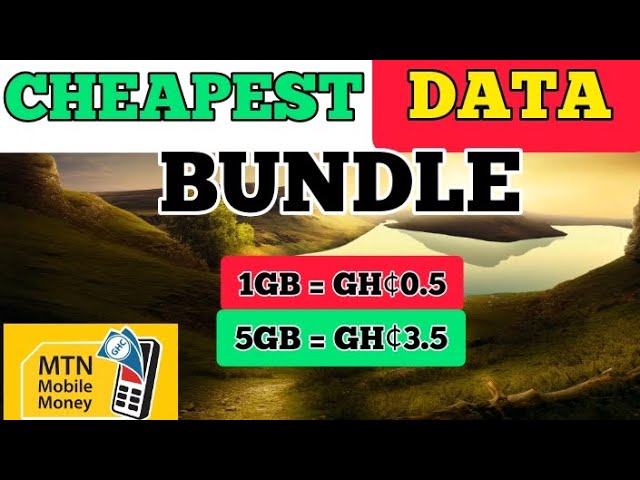
MTN is the popular telecommunications network with a subscriber base of millions of people across the world. To remain relevant in the highly competitive market, MTN has devised various means of enabling its customers to enjoy convenient services. One of such services is the ability to purchase bundles on the MTN network. MTN bundles are a combination of voice, data, and SMS services that are tailored towards meeting the communication needs of their customers. In this post, we will take a look at how to buy bundles on MTN.
MTN Bundle Types
MTN offers a variety of bundles that are customized based on customers' needs. Below are the various MTN bundle types available for purchase:
- Data Bundles: These bundles are designed for customers who require internet services for browsing, downloading or streaming music and videos. They offer various data bundles that are priced differently depending on the amount of data needed.
- Voice Bundles: These bundles are perfect for customers who make lots of calls. There are several voice bundles to choose from depending on the number of minutes needed.
- SMS Bundles: For those who prefer sending text messages, MTN has various SMS bundles that can be easily purchased.
How To Buy Bundles On MTN
To buy MTN bundles, you can use any of the following methods:
USSD Code
One of the easiest ways to buy MTN bundles is to use USSD codes. All you need to do is dial the MTN USSD code *131# and follow the prompt. You will be presented with a list of bundle options that you can choose from. Once you have selected your preferred bundle, you will be requested to confirm your purchase.
MyMTN App
The MyMTN App is another easy way to purchase bundles on the MTN network. This app can be downloaded from the Google Playstore for Android users or the App Store for iOS users.
To purchase MTN bundles using the MyMTN app, follow these steps:
- Download and install the MyMTN app from your app store
- Register your account by providing your MTN number and other details
- Click on the 'Bundle' tab on the homepage to view available bundle options
- Select your preferred bundle option and proceed to confirm your purchase
MTN Website
You can also purchase MTN bundles by visiting the MTN website. Here's how:
- Visit the MTN website at www.mtnonline.com
- Sign in to your account by providing your MTN number and other details
- Click on the 'Bundle' tab to view available bundle options
- Select your preferred option and proceed to confirm your purchase
Conclusion
MTN bundles are an excellent way to enjoy seamless communication services. If you are an MTN customer, you can enjoy the convenience of purchasing your favorite bundles using USSD codes, the MyMTN app, or via the MTN website. It is essential to select the right bundle that meets your needs to avoid unnecessary expenses. With this guide, you can now purchase MTN bundles quickly and conveniently, whether you're a first-time buyer or an experienced user.
