
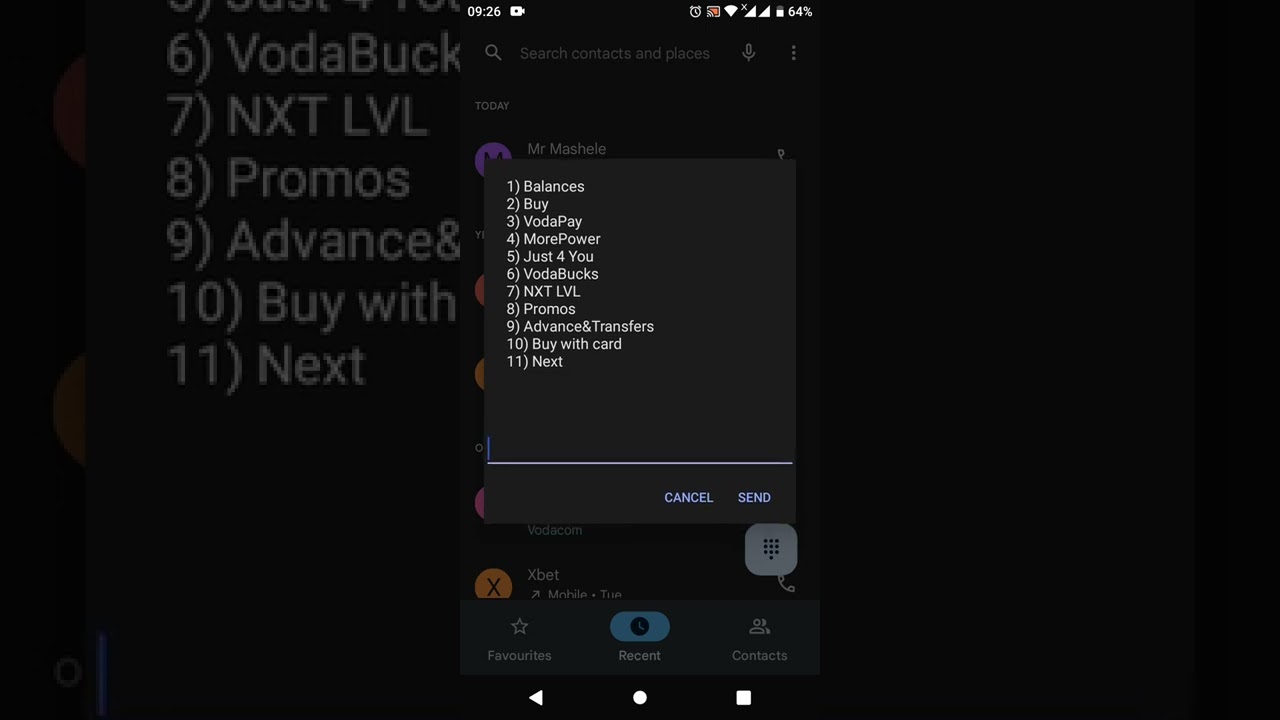
As a Vodacom user, you might have subscribed to the Data Refill service for uninterrupted internet access. However, there might be times when you might want to cancel your Data Refill subscription. Here's a guide on how to cancel Data Refill on Vodacom.
Cancel Data Refill On Vodacom Website
If you have an active Data Refill subscription on your Vodacom number, you can cancel it by following these steps:
- Visit the Vodacom website on your device.
- Log in to your Vodacom account using your Vodacom phone number and password.
- Click on the "My Vodacom" tab located at the top right of the webpage.
- From the drop-down menu, select "My Account" and click on it.
- Scroll down and select "Account history" under the "Accounts" section.
- You will see your recent transactions, including your Data Refill subscription.
- Click on the "Cancel subscription" button located next to the Data Refill subscription.
- Confirm the cancellation request by clicking on the "Cancel Subscription" button.
Cancel Data Refill Using The Vodacom App
You can also cancel your Data Refill subscription using the Vodacom app on your mobile phone. Here's how to do it:
- Download and install the Vodacom app on your mobile phone.
- Open the app and log in to your Vodacom account, using your Vodacom phone number and password.
- Once logged in, click on "Usage" on the app's dashboard.
- Scroll down to "My data balances" and select "Data Refill".
- Click on the "Cancel subscription" button located on the screen.
- Confirm the cancellation request by clicking on the "Cancel Subscription" button.
Note:
It is important to cancel your Data Refill subscription before your next billing cycle to avoid being charged. If you are having trouble canceling your subscription, you can contact the Vodacom customer care service for assistance.
Conclusion:
Cancelling your Data Refill subscription on Vodacom is relatively simple and can be done on the Vodacom website or app. Ensure to cancel the subscription before your next billing cycle to avoid being charged unnecessarily. If you encounter any difficulties, reach out to the Vodacom customer care service for assistance.
