
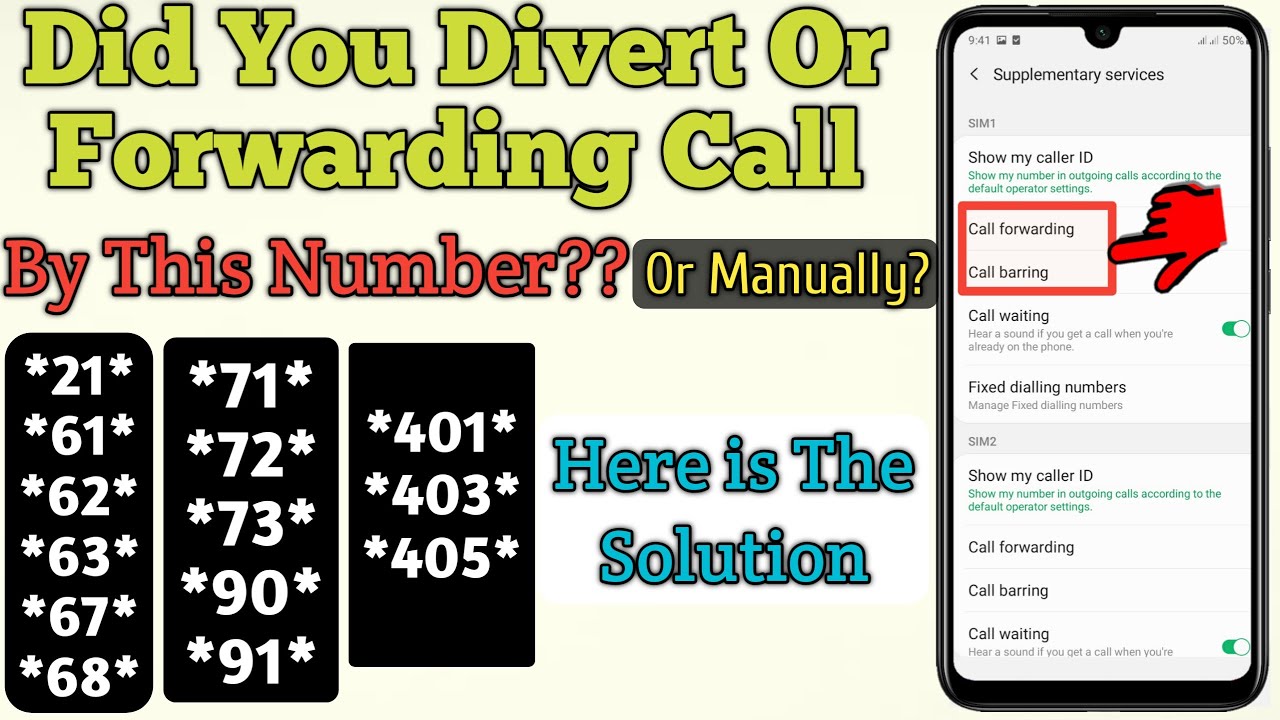
As a Telkom customer, you may have had to divert calls to another number at some point. However, there may come a time when you no longer have the need to divert calls, or you may have set it up by mistake. In such cases, it is important to know how to cancel divert calls on Telkom. In this article, we will guide you through the process of cancelling call diverts on Telkom step by step.
Step 1: Dial the USSD code to cancel all diverts
The first step to cancel all diverts on Telkom is to dial the USSD code *#21#. This code will cancel all call diverts that are currently active on your Telkom line. Once you have dialed the code, you will receive a message confirming that all call diverts have been cancelled.
Step 2: Dial the USSD code to cancel a specific divert
If you only want to cancel a specific call divert on your Telkom line, you can do so by dialling the USSD code ##21# followed by the number you want to cancel the divert for and then #. For example, if you had previously diverted calls to the number 0821234567 and you want to cancel the divert for that number only, dial ##21*0821234567#. You will receive a message confirming that the divert has been cancelled.
Step 3: Verify that diverts have been cancelled
Once you have cancelled all call diverts or a specific divert on your Telkom line, it is important to verify that the diverts have been cancelled successfully. To do this, simply dial *#21# and press call. If you receive a message stating that call forwarding is inactive, it means that all diverts have been cancelled successfully. If you receive a message stating that call forwarding is active, it means that there are still diverts active on your line.
Conclusion:
Cancelling call diverts on Telkom is a simple process that can be done in three easy steps. By dialling the USSD codes *#21# or ##21#, you can cancel all diverts or a specific divert on your Telkom line respectively. It is important to verify that the diverts have been cancelled successfully by dialling *#21#. With these simple steps, you can be sure that all diverts have been cancelled and calls to your Telkom line will no longer be redirected to another number.
