
Welcome to our guide on how to cancel your expired Vodacom contract. If you're reading this, you're probably ready to switch carriers, or just want to end your Vodacom contract for various reasons. You may have tried to cancel before, but the process seems daunting or confusing, but don't fret, we got you! In this post, we'll guide you through the process of cancelling your expired Vodacom contract step by step.
How to Determine if Your Contract is Expired
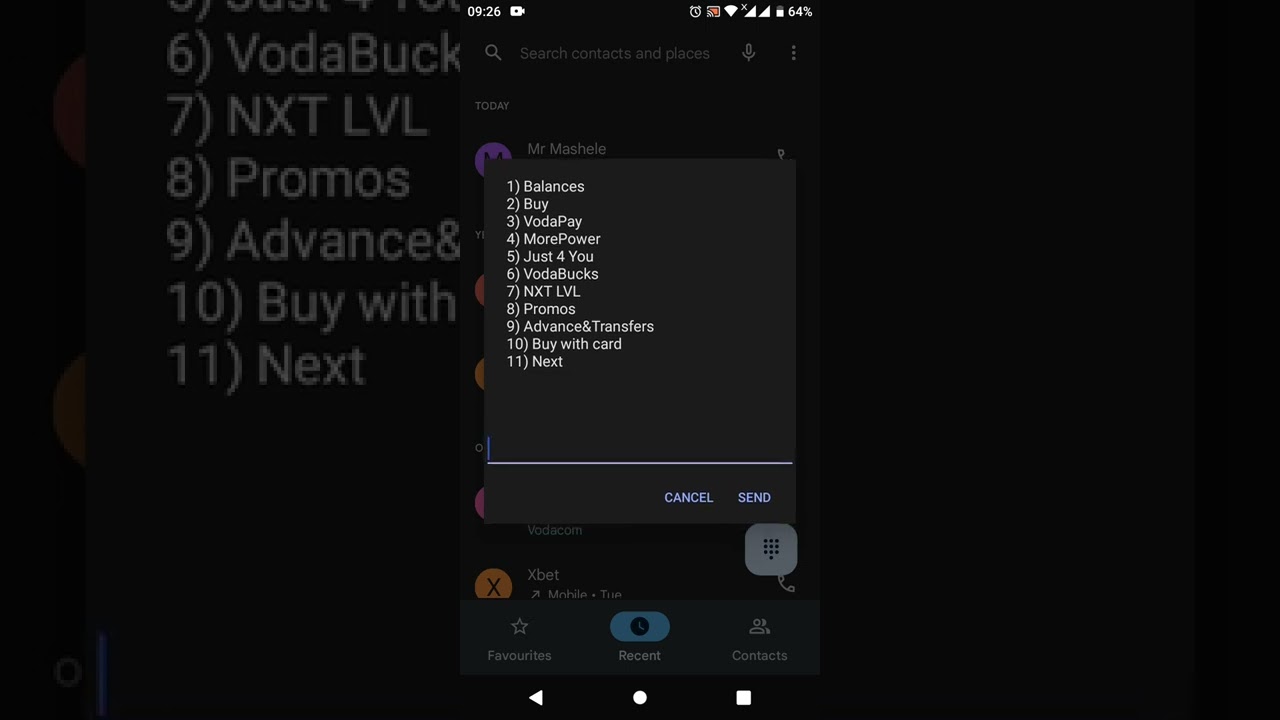
Before you cancel your contract, you need to determine whether your contract has expired or not. In general, Vodacom contracts run for a specified period, usually 24 months. After the contract period, your contract automatically enters into an expiration period. You can check your contract details on the Vodacom website or by dialling *135#. If your contract has expired, you can proceed with the cancellation process.
How to Cancel your Expired Vodacom Contract
There are a few ways to cancel your expired Vodacom contract. You can cancel by phone, email, or by physically visiting a Vodacom store.
Cancellation by Phone
Cancelling via phone can be the most convenient if you don't have time to go to a Vodacom store. To cancel your contract via phone, you will have to contact the Vodacom customer care centre. Dial 082 1958 and follow the voice prompts to speak to a Vodacom customer care representative. Be sure to have your details on hand when calling. You will be required to give your ID number, Vodacom account number, and other contract details required to verify your account. Once confirmed, request for cancellation.
Cancellation by Email
You can also cancel your contract by sending an email to the Vodacom customer care team. Send the email to [email protected] with your ID number, contact information, and Vodacom account number. Indicate that you want to cancel your expired contract. You may have to follow up with a phone call or wait to receive a response from the customer care team.
Cancellation by Visiting a Vodacom Store
You can visit a Vodacom store to cancel your contract as well. When you visit a store, make sure to bring along your Vodacom account number and ID document. The Vodacom store representative will verify your account details and process your request for cancellation. They will also give you an indication of any penalties or fees related to the cancellation.
What Happens After Cancelling Your Expired Vodacom Contract
After cancelling your expired Vodacom contract, your service will terminate effective immediately. This means that you will not be billed for any charges moving forward. If you have any outstanding balances, you will have to pay them off first, and if you were using a device on contract, you will have to return it to Vodacom or pay the Device's Remaining Fee (DRF) within 14 days of the cancellation.
Conclusion
Cancelling an expired Vodacom contract may seem daunting, but as we have seen, it is a relatively straightforward process. Remember to determine whether your contract has expired before proceeding to cancel it. You can then cancel via phone, email, or visit a Vodacom store. After cancellation, make sure to settle any outstanding balances and return any contract devices promptly.
