
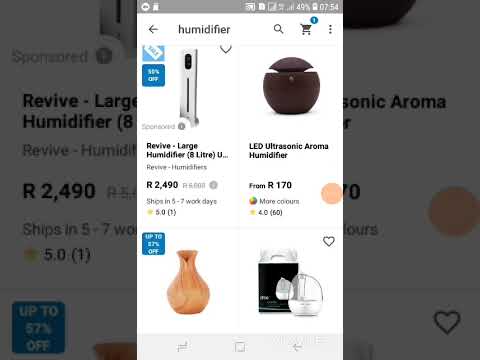
Welcome to our guide on how to cancel an order on Takealot app. Sometimes, we may change our minds after placing an order or there could be other reasons why we need to cancel an order in the app.
Step by Step Guide to Cancel Order on Takealot App
Step 1: Open Takealot App
The first step is to open the Takealot app on your mobile device. You will land on the home screen where all the categories of products are listed.
Step 2: Go to Orders
Click on the "Orders" tab. It will show you all the orders that you have placed on Takealot. Select the order that you want to cancel.
Step 3: Click on Cancel Order
On the order detail page, scroll down to the bottom, and click on the "Cancel Order" button. The button is usually in red color and written in bold letters.
Step 4: Select Reason for Cancellation
After clicking on "Cancel Order," the app will prompt you to select the reason for cancellation from the available options. Select the reason that best suits you and click on "Continue."
Step 5: Confirm Cancellation
The app will then show you the summary of your order and ask you to confirm the cancellation. Carefully review the details before clicking on "Confirm Cancellation."
Step 6: Wait for Confirmation
After clicking on "Confirm Cancellation", the app will take you back to the orders' summary page. You will also receive a notification via email or SMS confirming the cancellation of your order.
Things to Keep in Mind When Cancelling an Order on Takealot App
- Cancel your order as soon as possible. The sooner you cancel, the higher the chances that the item has not been shipped yet.
- Make sure to select the correct reason for the cancellation as it will help the customer support team address the issue more efficiently.
- Some sellers on Takealot have their cancellation policies that you must adhere to. Be sure to read and understand the policy before placing an order.
In Conclusion
Cancelling an order on the Takealot app is a simple process. Follow the six steps above, and you will successfully cancel your order. Remember to cancel as soon as possible and select the correct reason for cancellation.
