
Are you tired of having the default “Please Call Me” name appearing every time you send a request to someone on the Telkom network? Well, you’re in luck! Changing your “Please Call Me” name on Telkom is a quick and easy process. In this article, we’ll guide you through the steps to change your name with ease.
Step 1: Dial USSD Code
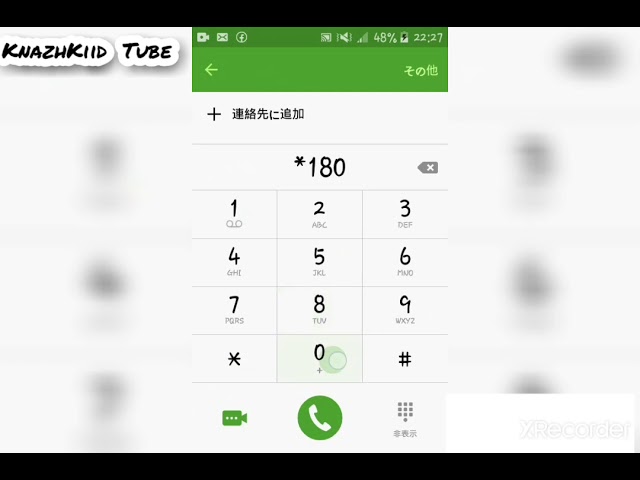
The first step in changing your “Please Call Me” name on Telkom is to dial *140# on your Telkom line. A menu will appear on your screen with various options that you can choose from. Select option 1, which is labeled “My Account”.
Step 2: Select “Manage Please Call Me”
Once you select option 1, you’ll be presented with another menu with more options. Choose option 3, labeled “Manage Please Call Me”. This option allows you to change your “Please Call Me” name and add a custom message.
Step 3: Change Your “Please Call Me” Name
After selecting “Manage Please Call Me”, you’ll be asked to enter your new name. You can choose any name you like, as long as it’s within the character limit. Make sure to select a creative name that represents you well, such as your nickname, your first name, or a name that describes your personality.
Step 4: Add a Custom Message
In addition to changing your name, you can also add a custom message that will appear whenever you send a “Please Call Me”. This message can be used to communicate with your intended recipient, for example, you could add a message like “Please call me back ASAP” or “I’m running late, please call me”. If you don’t want to add a message, you can simply skip this step.
Step 5: Confirm Your Changes
Once you’ve entered your new name and added a custom message (if desired), you’ll be asked to confirm your changes. Review your new name and custom message to ensure that everything is correct. If you need to make any changes, select the back option and make the necessary edits. If everything is correct, select the confirm option to finalize your changes.
Conclusion
In summary, changing your “Please Call Me” name on Telkom is a straightforward process that can be completed in just a few minutes. Dial *140# on your Telkom line, select “My Account”, select “Manage Please Call Me”, change your name, add a custom message (if desired), and confirm your changes. With these simple steps, you can personalize your “Please Call Me” requests and make them stand out from the crowd. So, what are you waiting for? Go ahead and change your name on Telkom today!
