
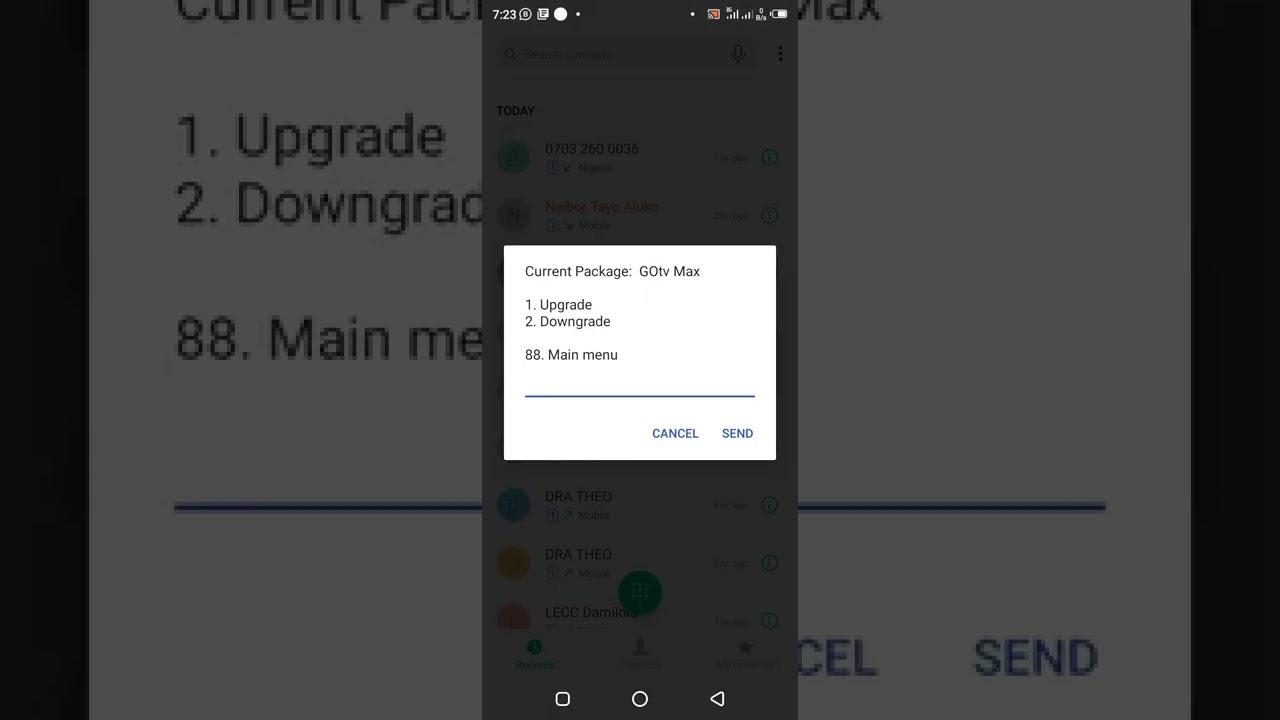
Welcome to our guide on how to downgrade DSTV – Africa’s leading satellite TV service. Sometimes we find ourselves in situations where we need to adjust our subscription to suit our needs. While upgrading your DSTV package is a breeze, downgrading can be a little bit tricky, but not impossible. In this guide, we’ll take you through everything you need to know to get your DSTV subscription downgraded.
Why People Opt to Downgrade DSTV subscriptions
There are various reasons why people may want to downgrade their DSTV subscription. Some of the common ones include:
- Financial constraints e.g., loss of income, debts, or overspending
- Relocation – moving to a new location with different DSTV viewing options
- Change in viewing preferences – where one no longer watches as many channels as before or needs more flexible viewing options
Steps to downgrade your DSTV subscription
Now that you have established that you need to downgrade your DSTV subscription, let's look at the various steps you need to follow:
Step 1: Get in touch with a DSTV representative
The first thing that you need to do is to contact the DSTV customer care service. You can use any of the following platforms:
- The DSTV website – through the online webchat service
- Call the DSTV helpline on +234 908 236 8533
- Visit your nearby DSTV office
When getting in touch with them, be sure to indicate that you want to downgrade your package.
Step 2: Explain the reason for the downgrade
It is important to state clearly the reason(s) for wanting to downgrade your DSTV subscription. If it is because of financial constraints, explain your situation, and if possible, see if there is a package that suits your new budget. If it is due to relocation, find out what options are available in the new location, and how they compare to your current subscription. Whatever the case, be polite and straightforward in your communication.
Step 3: Start using your new package
Once the changes have taken effect, you can start using your new package. Take time to familiarize yourself with the new channels, and update your favorite list accordingly. Also, know that the changes will only take effect within 24 hours from the time you make the request.
Conclusion
Downgrading your DSTV subscription does not have to be complicated. Once you have established the need to do it, simply follow the above steps, and you'll have your subscription downgraded in no time.
Remember, DSTV has different packages, all suited to the diverse needs of its customers. So, if you are struggling with your subscription, you can always speak to a DSTV representative to explore other packages that may be better suited to your new needs.
