
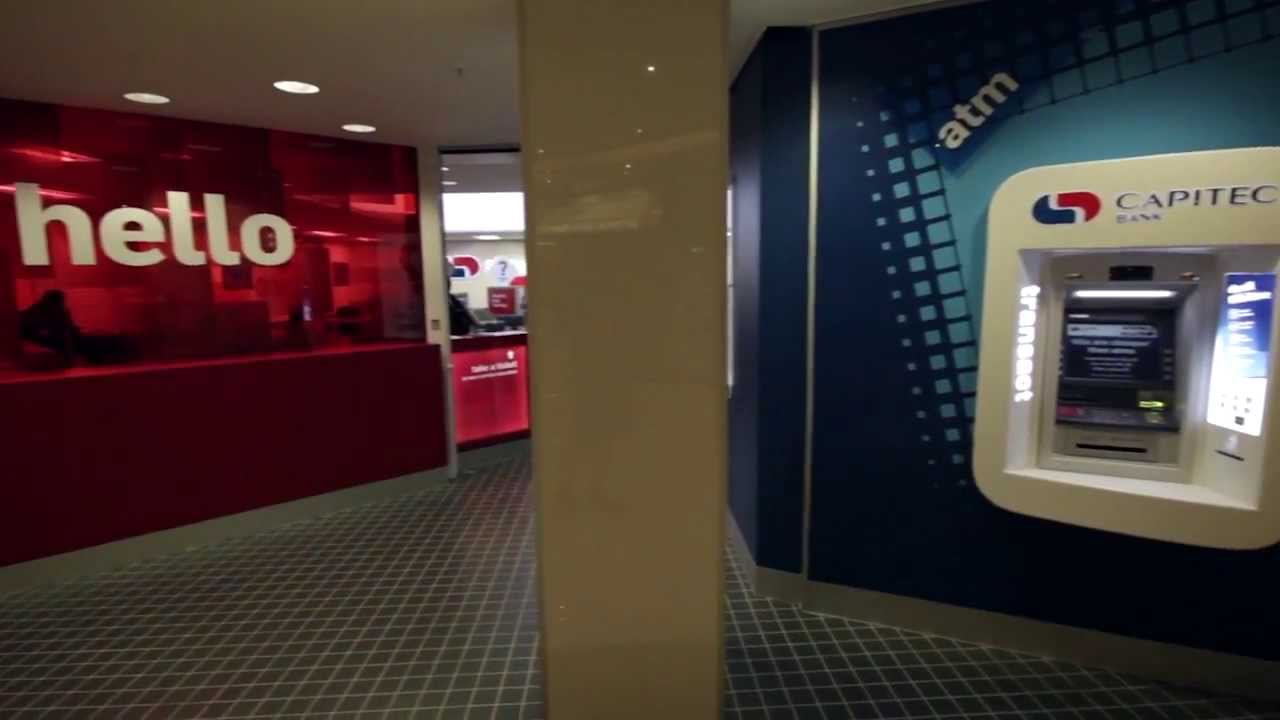
Welcome to this guide on how to get a bank statement from a Capitec ATM. Many people are unaware of this feature or simply do not know how to use it. In this article, we will guide you through how to obtain your bank statement from a Capitec ATM.
Step-by-Step Guide on How to Get Bank Statement from Capitec ATM
Step 1: Visit a Capitec ATM
The first step is to go to a nearby Capitec ATM. You can easily find a Capitec ATM using the Capitec Mobile App or their website. Once you are at the ATM, insert your Capitec debit card and enter your PIN.
Step 2: Select 'More Options' on the Screen
On the ATM screen, select 'More Options'. This option will provide you with additional choices to choose from.
Step 3: Choose the 'Statements' Option
Next, you need to select the 'Statements' option on the screen. You will be given a choice between 'Mini Statement' and 'Full Statement'. For bank statements, select the 'Full Statement' option.
Step 4: Select your Desired Time Range
After selecting the 'Full Statement' option, you will be asked to specify the range of dates for which you want your statement. You have the option to select a predefined range, such as the last 7, 30, or 90 days, or you can select a custom range. You can also choose to have your statement printed, emailed or both.
Step 5: Confirm Your Request
Once you have selected your desired time range, the next step is to confirm your request. You will see a summary of your request, stating the date range and the option you have chosen to receive your statement, either to be printed, emailed, or both. Confirm your request by selecting 'Proceed'.
Step 6: Collect Your Bank Statement
After confirming your request, the ATM will start processing your request. Depending on the size of the statement, it may take a few seconds to a few minutes to generate. Once the statement is ready, the ATM will prompt you to collect it. You should select 'Yes' to collect your statement. You will receive a printed copy of your statement if you have chosen that option, or it will be sent to your registered email address if you have chosen the email option.
Tips for Using the Capitec ATM to Get Your Bank Statement
Below are some tips you can follow when using the Capitec ATM to get your bank statement:
- Make Sure Your Debit Card Is Working: Ensure that your Capitec debit card is working before going to the ATM. If your card is not functional, you will not be able to retrieve your bank statement.
- Choose the Correct Option: Always make sure you have selected the 'Full Statement' option to receive your bank statement. Choosing the wrong option, such as 'Mini Statement', will not provide you with the full details you need.
- Double Check Your Selections: Before confirming your request, double-check the date range selected and the option you have chosen to receive your statement, whether it be printed, emailed, or both.
- Keep Your Statement Safe: Always keep your bank statement in a safe place. It contains sensitive information that should not be shared with unauthorized individuals.
- Check for Fees: Be aware that there may be fees associated with obtaining a bank statement from a Capitec ATM. Check with your bank to know the exact amount and plan accordingly.
Conclusion
The Capitec ATM provides an easy and convenient way to obtain your bank statement. It only takes a few simple steps to retrieve your statement, whether it be printed or emailed. Always ensure that your debit card is working and that you choose the right options. Do not forget to keep your statement in a safe place and check for fees that may be associated with the transaction.
