
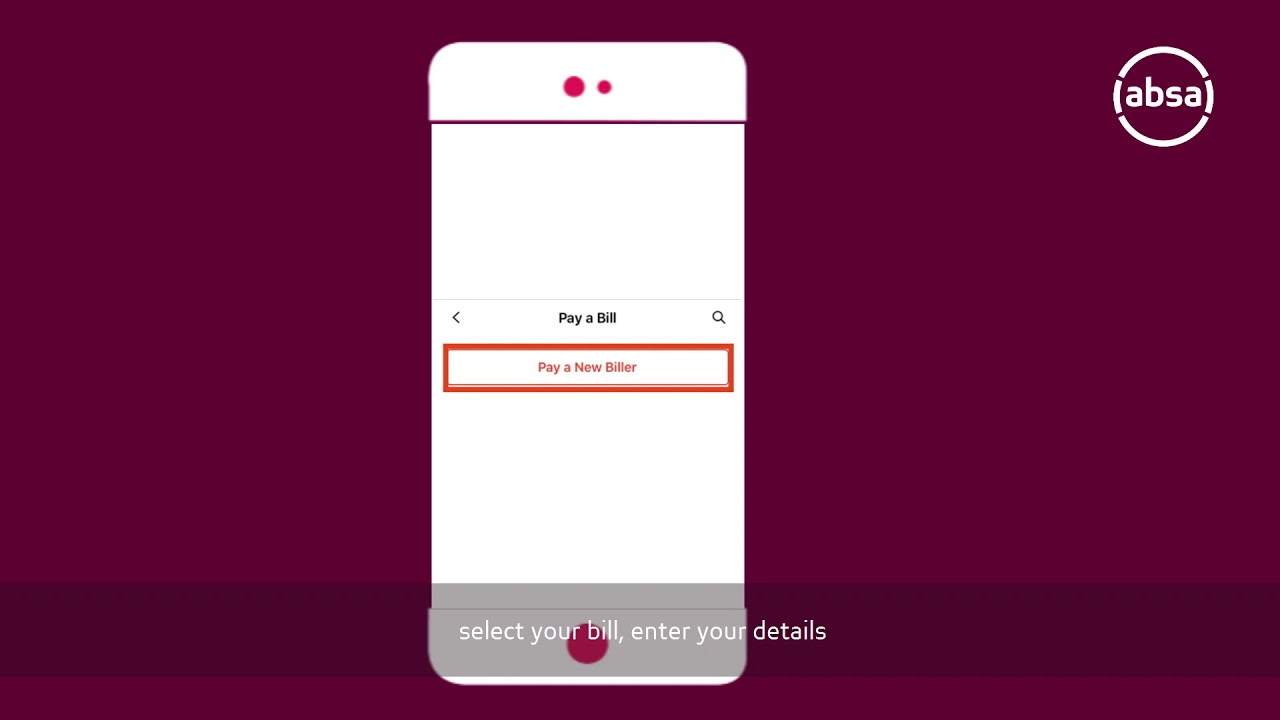
As we live in a world where making digital payments has become a regular part of our lives, there can be some instances where we need to reverse the payment. Sometimes, we may send money to the wrong person or we may have sent the wrong amount. In such situations, reversing the payment can be a sigh of relief. Here's a step-by-step guide on how to reverse payment on Absa app.
Step 1: Log in to the Absa App
Open the Absa banking app on your mobile device and enter the PIN you use to access the app. If you don't have the app, you can download it from the Apple App Store or Google Play Store.
Step 2: Select the "Transact" Tab
After logging in, navigate to the "Transact" tab at the bottom of the app's screen.
Step 3: Choose "Reverse Payment"
Under the "Transact" tab, scroll down until you find the "Reverse Payment" option, then tap on it to access the payment reversal feature.
Step 4: Choose the Payment You Want to Reverse
All the payments you've made in the last 35 days, including pending transactions, will be displayed in chronological order. Find the payment you want to reverse and click on it.
Step 5: Verify the Payment Details
Once you've clicked on the payment you want to reverse, verify the details to make sure you have chosen the correct transaction. Verify the recipient's name, the amount, and the date of the transaction.
Step 6: Initiate the Payment Reversal
After confirming that the payment details are correct, tap on the "Reverse Payment" button at the bottom of the screen to start the reversal process. You will be required to enter your Absa banking PIN to confirm the transaction.
Step 7: Wait for Confirmation
Once you've completed the previous step, the reversal process will start. Wait for a few minutes to receive a confirmation message that the payment has been successfully reversed.
Final Thoughts
Reversing a payment on the Absa app is a simple process that can save you from the hassle of dealing with a wrong payment. Always make sure to double-check the payment details before initiating the reversal process. Remember, that the reversal process may take a few minutes, so be patient. Try to make your transactions carefully and contact Absa support if you need any assistance.
